1
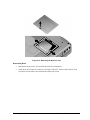
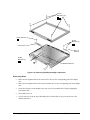
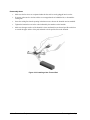
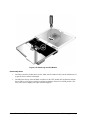
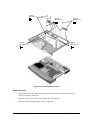
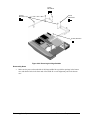
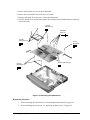
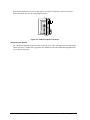
Figure 2-19. Removing the CPU Module
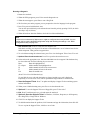
Reassembly Notes
•
Carefully reinsert the module into its socket. Make sure the module is fully seated, and that none of
its pins are bent or otherwise damaged.
•
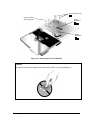
Carefully insert the tip of the flat-blade screwdriver in the CPU module lock mechanism, and turn
the screwdriver a few degrees clockwise until the mechanism clicks into its LOCK position. (The
CPU socket moves slightly to the right when this happens.)
2-26
Removal and Replacement
Technology Code IC)