1
2MH/2MJ/2MK/2ML
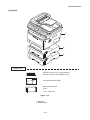
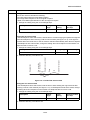
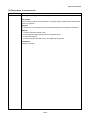
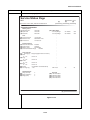
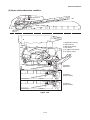
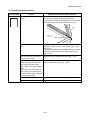
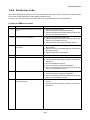
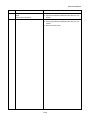
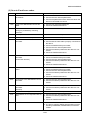
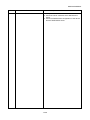
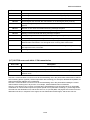
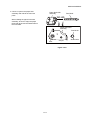
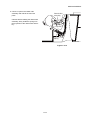
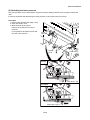
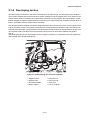
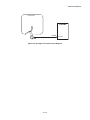
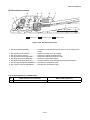
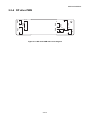
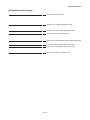
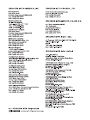
(2) Repetitive defects gauge
First occurrence of defect
[24.99 mm/1"] Upper registration roller
[37.68 mm/1 1/2"] Lower registration roller
[45.216 mm/1 3/4"] Transfer roller
[62.8 mm/2 1/2"] Developing roller (developing unit)
[73.162 mm/2 7/8"] Heat roller (fuser unit)
[78.5 mm/3 1/16"] Press roller (fuser unit)
[94 mm/3 11/16"] Drum (drum unit)
2-4-3