1
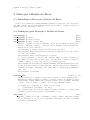
Capítulo 1: Introdução ao Maxima
3
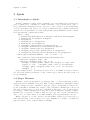
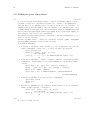
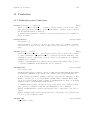
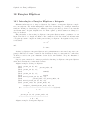
1 Introdução ao Maxima
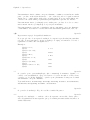
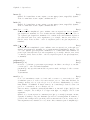
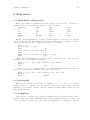
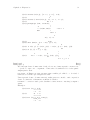
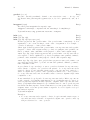
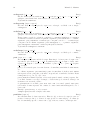
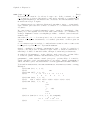
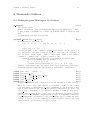
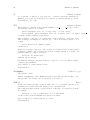
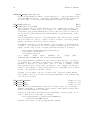
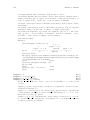
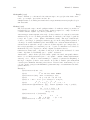
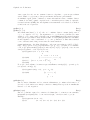
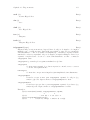
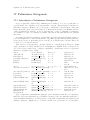
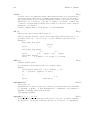
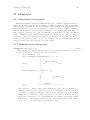
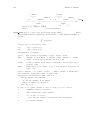
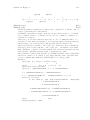
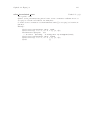
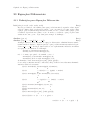
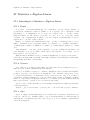
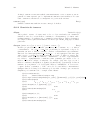
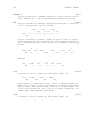
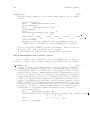
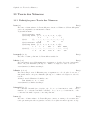
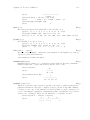
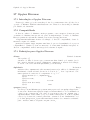
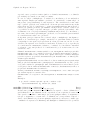
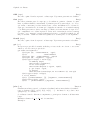
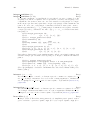
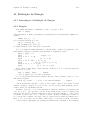
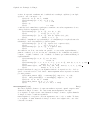
Inicie o Maxima com o comando "maxima". Maxima mostrará a informação de versão e
uma linha de comando. Termine cada comando Maxima com um ponto e vírgula. Termine
uma sessão com o comando "quit();". Aqui está um exemplo de sessão:
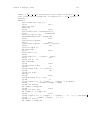
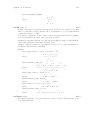
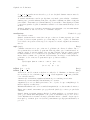
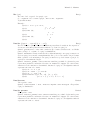
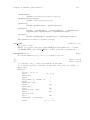
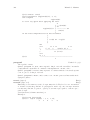
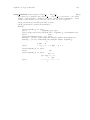
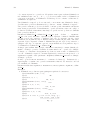
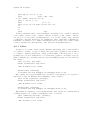
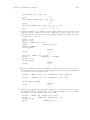
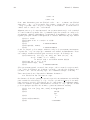
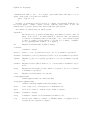
[wfs@chromium]$ maxima
Maxima 5.9.1 http://maxima.sourceforge.net
Using Lisp CMU Common Lisp 19a
Distributed under the GNU Public License. See the file COPYING.
Dedicated to the memory of William Schelter.
This is a development version of Maxima. The function bug_report()
provides bug reporting information.
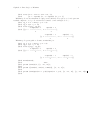
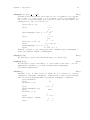
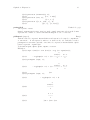
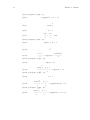
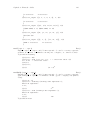
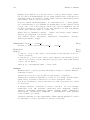
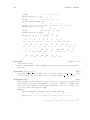
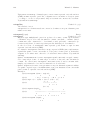
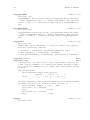
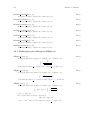
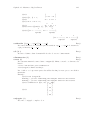
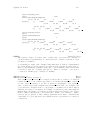
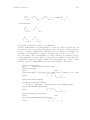
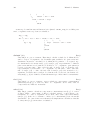
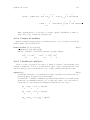
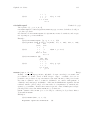
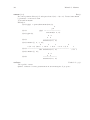
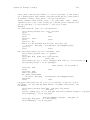
(%i1) factor(10!);
8 4 2
(%o1)
2 3 5 7
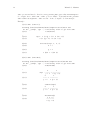
(%i2) expand ((x + y)^6);
6
5
2 4
3 3
4 2
5
6
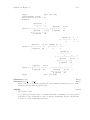
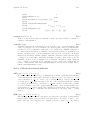
(%o2) y + 6 x y + 15 x y + 20 x y + 15 x y + 6 x y + x
(%i3) factor (x^6 - 1);
2
2
(%o3)
(x - 1) (x + 1) (x - x + 1) (x + x + 1)
(%i4) quit();
[wfs@chromium]$
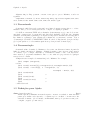
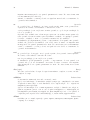
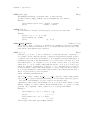
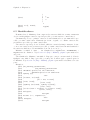
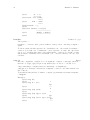
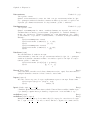
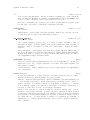
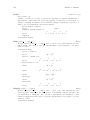
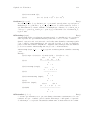
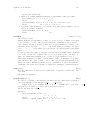
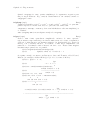
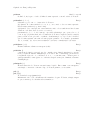
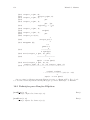
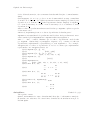
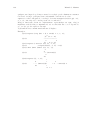
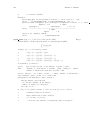
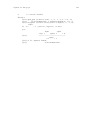
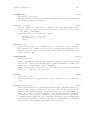
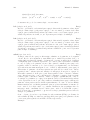
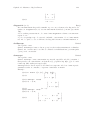
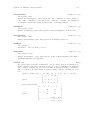
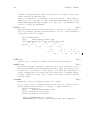
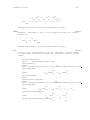
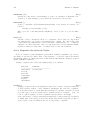
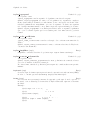
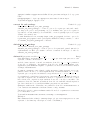
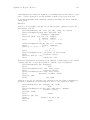
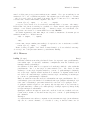
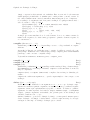
Maxima pode procurar as páginas info. Use o comando describe para mostrar todos
os comandos e variáveis contendo uma dada seqüência de caracteres, e opcionalmente sua
documentação. O ponto de interrogação ? é uma abreviação para describe:
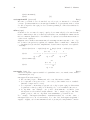
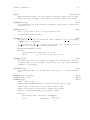
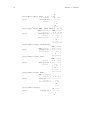
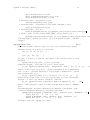
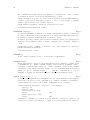
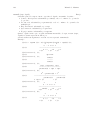
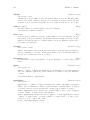
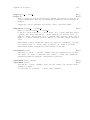
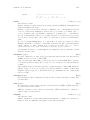
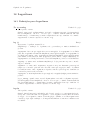
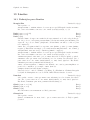
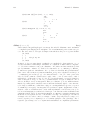
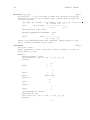
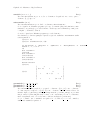
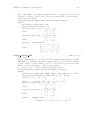
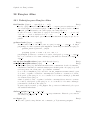
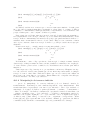
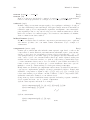
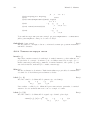
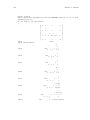
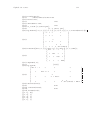
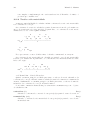
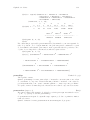
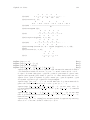
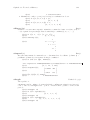
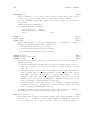
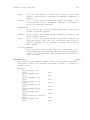
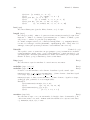
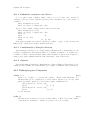
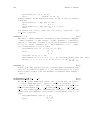
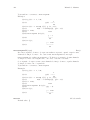
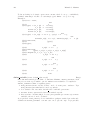
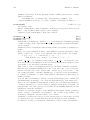
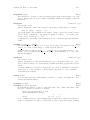
(%i1) ? integ
0: (maxima.info)Introduction to Elliptic Functions and Integrals.
1: Definitions for Elliptic Integrals.
2: Integration.
3: Introduction to Integration.
4: Definitions for Integration.
5: askinteger :Definitions for Simplification.
6: integerp :Definitions for Miscellaneous Options.
7: integrate :Definitions for Integration.
8: integrate_use_rootsof :Definitions for Integration.
9: integration_constant_counter :Definitions for Integration.
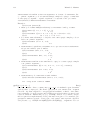
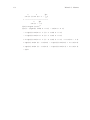
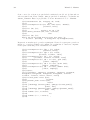
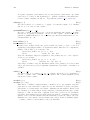
Enter space-separated numbers, ‘all’ or ‘none’: 6 5
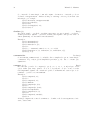
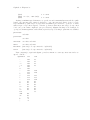
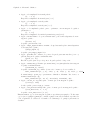
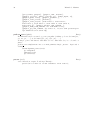
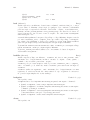
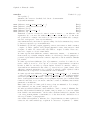
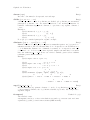
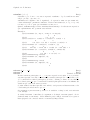
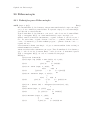
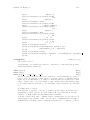
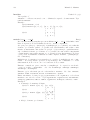
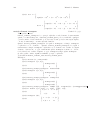
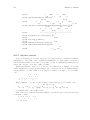
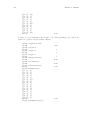
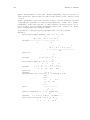
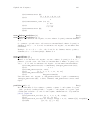
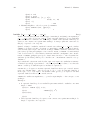
Info from file /usr/local/info/maxima.info:
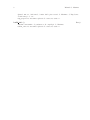
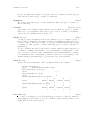
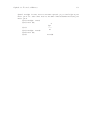
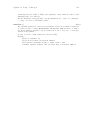
- Function: integerp (<expr>)
Returns ‘true’ if <expr> is an integer, otherwise ‘false’.
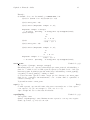
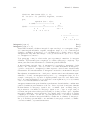
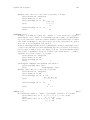
- Function: askinteger (expr, integer)
- Function: askinteger (expr)
- Function: askinteger (expr, even)