1
Troubleshooting | 7
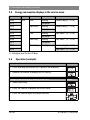
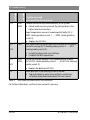
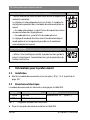
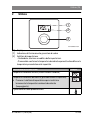
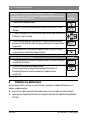
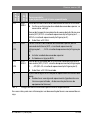
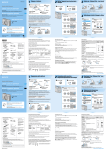
Changing the setting (e.g. heating circuit HC)
Result
▶ Select and confirm the required value.
°C
°F
▶ Press and hold the selector until the setting is displayed again.
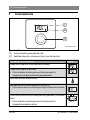
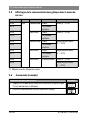
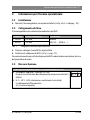
Closing the service menu
°C
°F
Result
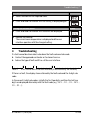
▶ Press and hold the selector until 3 dashes are displayed.
▶ Release the selector.
The current room temperature is displayed and the user
interface operates with the changed setting.
4
°C
°F
°C
°F
Troubleshooting
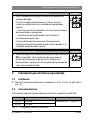
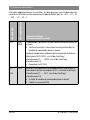
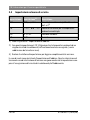
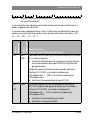
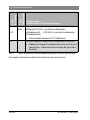
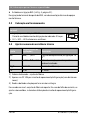
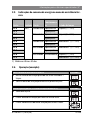
If a fault cannot be eliminated, note down the fault code and sub-code:
▶ Contact the approved contractor or Customer Service.
▶ Advise the type of fault and ID no. of the user interface.
_
Table 2
_
_
ID no. on the rear of the user interface (to be entered by the installer)
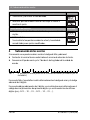
If there is a fault, the display shows alternately the fault code and the 3-digit subcode.
In the case of 4-digit sub-codes, initially the first two digits and then the last two
digits are displayed alternately with the fault code (e.g.: A21 ... 10 ... 01 ... A21 ...
10 ... 01 ...).
6720830577 (2015/06)
CR 10H