1
English
Power Modes
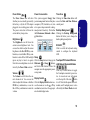
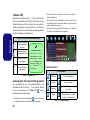
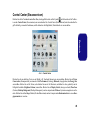
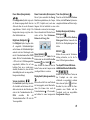
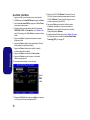
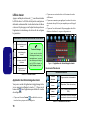
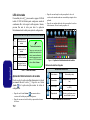
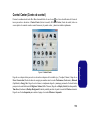
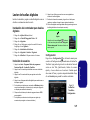
You can set a Power Mode by clicking the appropriate icon at the top of the Control Center. Each power mode will
affect the power status of modules (e.g. WLAN or Camera), screen brightness, Touchpad power and Silent Mode. You
can click a Control Center icon to set an overall power mode and then click individual icons in the Control Center to
power on/off any modules etc.
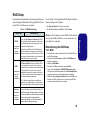
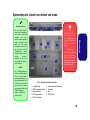
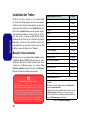
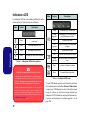
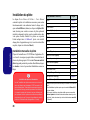
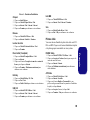
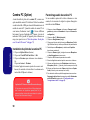
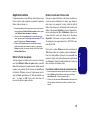
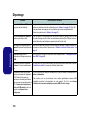
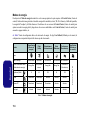
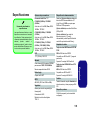
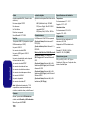
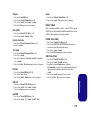
Table 7 illustrates the basic settings for each power mode. If you choose User Defined the settings will correspond to
your selected system settings.
Modes
Power Saving
Flight
Entertainment
Quiet
Performance
Power Plan
Power Saver
Balanced
Power Saver
Power Saver
High Performance
Power Conservation Mode
Energy Star
BIOS Default
Energy Star
Energy Star
Performance
14
42
100
42
100
WLAN
OFF
OFF
ON
ON
ON
PC Camera
OFF
OFF
OFF
ON
ON
Touchpad
ON
ON
ON
ON
ON
User Defined
Icon
Table 7 - Power Modes
12
User Defined
Brightness