1
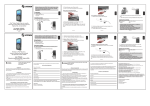
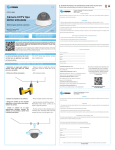
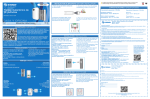
1.- Place the camera where you need to monitor.
2.- Plug the AC power adaptor to an AC household outlet.
3.- Insert the cable from the AC adaptor into the camera’s black
plug.
4.- Connect the yellow and white RCA plugs to the audio / video
inputs on your TV or other audio / video device using audio /
video cables with RCA plugs (red = audio = white, yellow =
video).
5.- Select the correct video input on your audio / video device.
(See your audio / video device’s instruction manual)
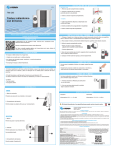
6.- If you should have an image twist the lens until you find the
correct focus point.
7.- Now the camera is ready to use it.
To AC Power Adaptor
Video
Audio
Set the focus
Set the angle
We recommend not to use a bigger RCA cable than 30cm.
Do not place the camera too close to your TV or other audio
/ video device as this could cause an echo or a faint buzz.
If this should happen, place the camera and the TV further
apart or lower the volume on your TV.
ENGLISH-3
ENGLISH
CAMERA OPERATING INSTRUCTIONS