1
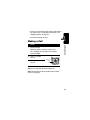
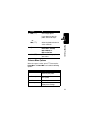
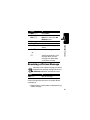
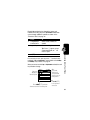
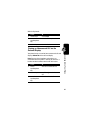
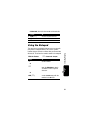
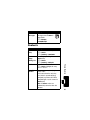
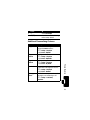
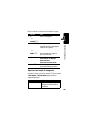
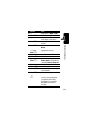
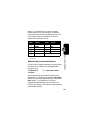
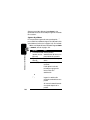
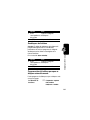
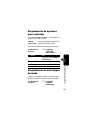
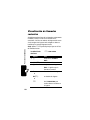
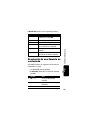
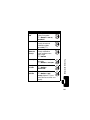
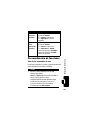
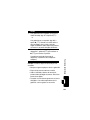
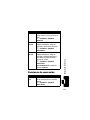
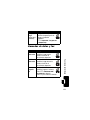
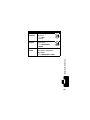
Feature
View
Primary or
All Numbers
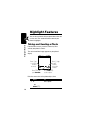
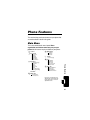
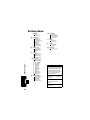
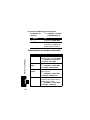
Phone Features
Description
Set to view only primary numbers or
all numbers when viewing entries:
M > Contacts > entry
M > Setup > SELECT > CHANGE
> All Contacts or Primary Contacts
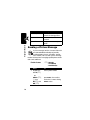
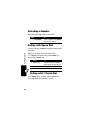
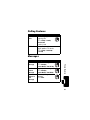
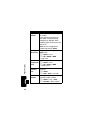
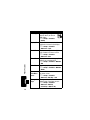
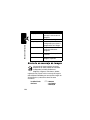
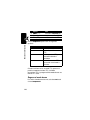
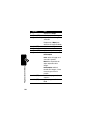
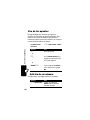
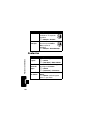
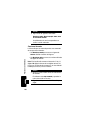
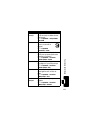
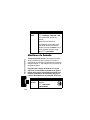
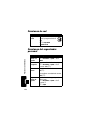
Edit Entry
Edit a Contacts entry:
M > Contacts > entry
M > Edit
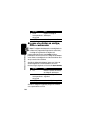
Delete Entry Delete a Contacts entry:
M > Contacts > entry
M > Delete
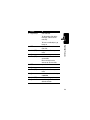
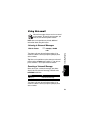
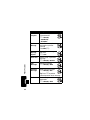
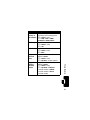
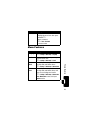
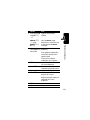
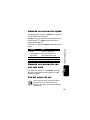
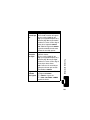
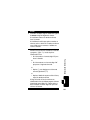
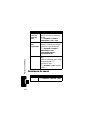
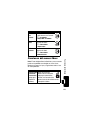
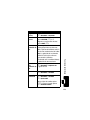
Copy
Copy a Contacts entry to another
Contacts
location in Contacts:
Entry
M > Contacts > entry
M > Copy Entry > location number
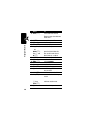
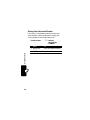
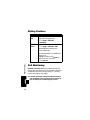
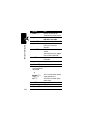
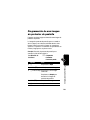
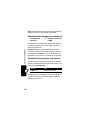
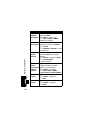
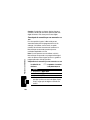
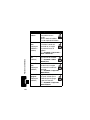
Copy
Copy a Contacts entry to another
Multiple
location in Contacts:
Contacts
M > Contacts > entry
Entries
M > Copy Entries > From(start):
> location number > From(end):
> location number > To(start):
> location number
67