1
Concise User’s Guide
DVD Regional Codes
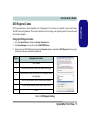
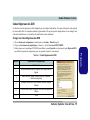
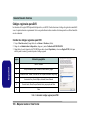
Changing DVD Regional Codes
1.
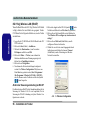
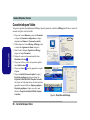
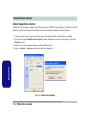
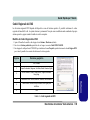
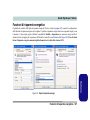
Go to the Control Panel and double-click System > Hardware (tab).
2.
Click Device Manager, then click the + next to DVD/CD-ROM drives.
3.
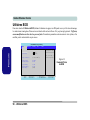
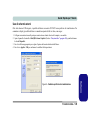
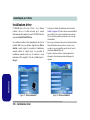
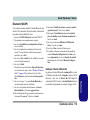
Double-click on the DVD-ROM device to bring up the Properties dialog box, and select the DVD Region (tab) to bring up the
control panel to allow you to adjust the regional code.
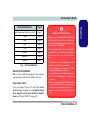
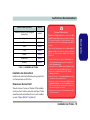
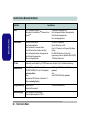
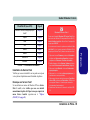
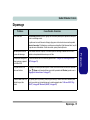
Region
Geographical Location
1
USA, Canada
2
Western Europe, Japan, South Africa, Middle East & Egypt
3
South-East Asia, Taiwan, South Korea, The Philippines, Indonesia, Hong Kong
4
South & Central America, Mexico, Australia, New Zealand
5
N Korea, Russia, Eastern Europe, India & Most of Africa
6
China
Table 2 - DVD Regional Coding
System Map: Front View - 11
English
DVD region detection is device dependent, not OS-dependent. You can select your module’s region code 5 times.
The fifth selection is permanent. This cannot be altered even if you change your operating system or you use the module in another computer.