1
AquaLink® Z4 | Owner’s Manual
3.8
ENGLISH
Page 21
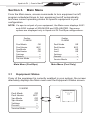
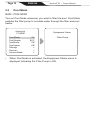
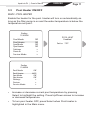
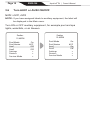
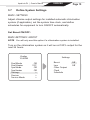
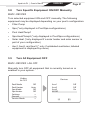
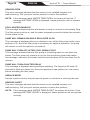
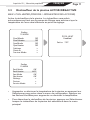
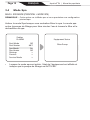
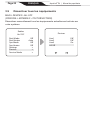
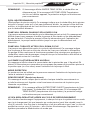
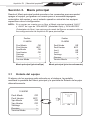
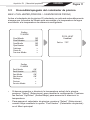
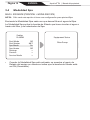
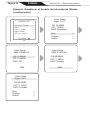
Turn Specific Equipment ON/OFF Manually
MAIN > DEVICES
Turn selected equipment ON and OFF manually. The following
equipment may be displayed depending on your pool’s configuration:
•
Filter Pump
•
Spa (*only displayed in Pool/Spa configurations)
•
Pool Heat/Temp1
•
Spa Heat/Temp2 (*only displayed in Pool/Spa configurations)
•
Solar Heat (*only displayed if a solar heater and solar sensor is
part of your configuration)
•
Aux1, Aux2, and Aux3 (* only if unlabeled auxiliaries; labeled
equipment is displayed by name)
3.9
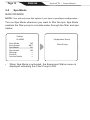
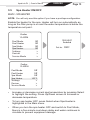
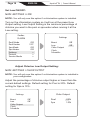
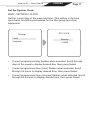
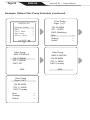
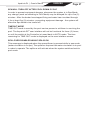
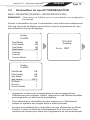
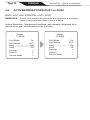
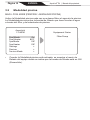
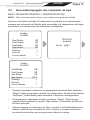
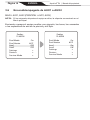
Turn All Equipment OFF
MAIN > DEVICES > ALL OFF
Manually turn OFF all equipment that is currently turned on or
enabled in your system.
ZodiacZodiac
Air 78°F
Air 78°F
Pool Mode
Off Off
Pool Mode
Pool Heater
Auto
Pool Heater
Auto
Spa Mode
Off Off
Spa Mode
Spa Heater
Off Off
Spa Heater
Settings
>
Settings
>
Devices
>
Devices
>
Service
ModeMode
>
Service
>
Devices
Devices
Aux1 Aux1
Aux2 Aux2
Aux3 Aux3
All OffAll Off
Off
Off
On
Off
Off
On