1
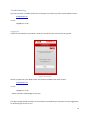
Reading Results
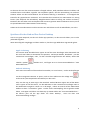
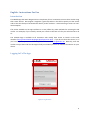
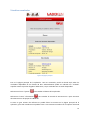
Figure 6: The Home Screen
This is the main page of the App. From here, as soon as you log in, you will see all the results that are
available for the last 30 days. This also includes the items we have received but for which we have
no results available yet – shown as ‘Received’.
You can tap the ‘Settings’ icon
App language for your account.
to go to the settings page, for example to change your preferred
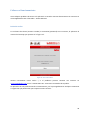
You can tap the ‘Info’ icon
to go to the Information page, where you can find instructions and
the ability to contact Laboklin directly from the App.
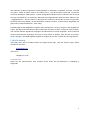
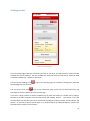
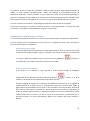
If you have a large number of reports available you can filter the results to a smaller list by typing a
keyword or number sequence into the search box and tapping ‘Search’. The search is not case
sensitive and it will find all results from most fields including ID numbers, breeds, names, owners and
species. If you wish to see all reports again or try another search tap ‘Show All Reports’, ‘Back’ or hit
the back button native to your browser.
11