1
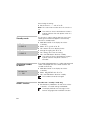
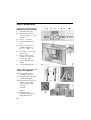
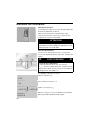
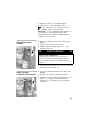
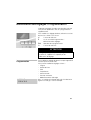
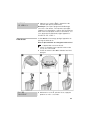
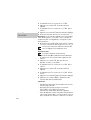
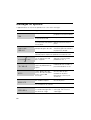
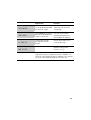
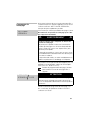
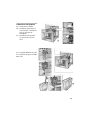
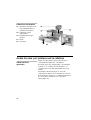
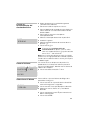
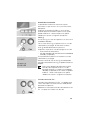
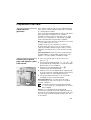
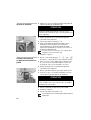
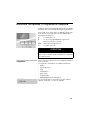
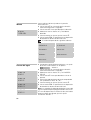
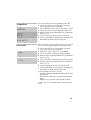
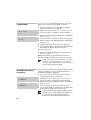
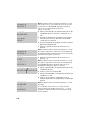
Set function selector to 0 position. Turn on water unit descaling Note: The appliance is automatically rinsed. Water flows at intervals into the receptacle. Wait for the next message on display (approx. 4 minutes). Turn on coffee unit descaling Note: The appliance is automatically rinsed. Water flows at intervals into the tray 23. Wait for the next message on display (approx. 4 minutes). empty trays clean contacts Unit is rinsing coffee Draining hot water system too hot Set function selector to ) position. Empty tray 23 and coffee dreg tray 21. Clean and dry contacts 25. Re-insert tray 23 and coffee dreg tray 21. Wipe splashes off the nozzle and appliance. Note: The appliance is automatically rinsed. The descaling process is complete. The illuminated ring on m descaling goes out. The appliance is ready for use again. The descaling program requires a specific water temperature before it can start. If the water temperature is too high, drain hot water first! Place a receptacle under the nozzle. Set function selector to 0 position. Water runs into the receptacle. Set function selector to ) position. The required temperature has been reached. The descaling process can start. 32