1
Network Setup
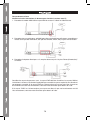
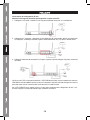
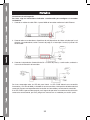
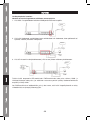
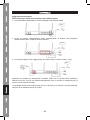
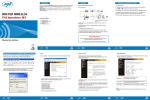
Please use the web browser to configure the wireless router. A computer with wired Ethernet
connection to the wireless router is required for this first-time configuration.
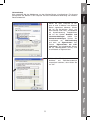
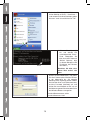
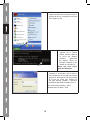
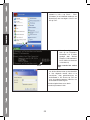
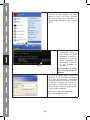
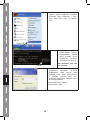
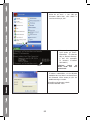
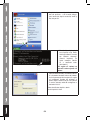
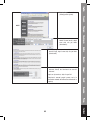
1. Set your computer to obtain an IP
address from wireless router: click „Start“
button (it should be located at lowerleft corner of your computer), then click
control panel. Double-click Network
and Internet Connections icon, click
Network Connections, then doubleclick Local Area Connection, Local
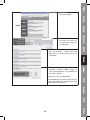
Area Connection Properties window will
appear, and then click „Properties“:
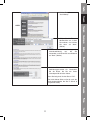
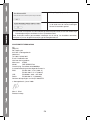
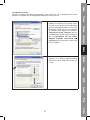
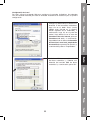
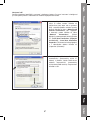
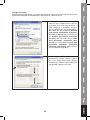
2. Select
„Obtain
an
IP
address
automatically“ and „Obtain DNS server
address automatically“, then click „OK“.
3