1
5.5.4 Reset system default settings
Using this option, all the user heating parameter files will be reset to factory default
settings.
(1) Enter the list of heating parameter files as shown in above Figure (5-5-1).
(2) Click
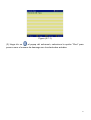
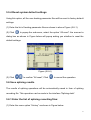
to popup the sub-menu, select the option “All reset”. the moment a
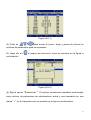
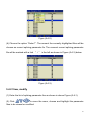
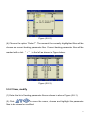
dialog box as shown in Figure below will popup asking you whether to reset the
default settings:
Figure (5-5-6)
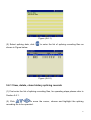
(3) Click
to confirm “All reset”, Click
to cancel the operation.
5.6 Save splicing results
The results of splicing operations will be automatically saved in form of splicing
recording file. This operation can be made in the interface “Splicing data”.
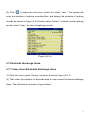
5.6.1 Enter the list of splicing recording files:
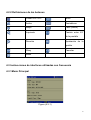
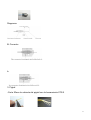
(1) Enter the menu option “History” as shown in Figure below:
75