1
GROWING Smartphone SNAKE
9.5 System
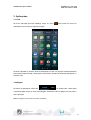
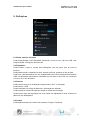
You can set date, time zone, and view system information.
10. Camera
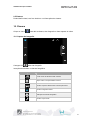
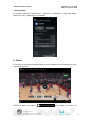
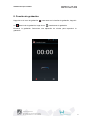
Click the icon
to open the camera, take the picture or do video capture.
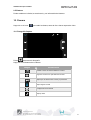
10.1 Capture Photo
Press
to take the picture.
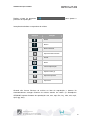
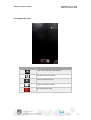
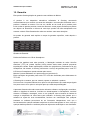
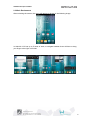
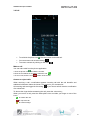
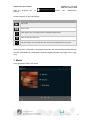
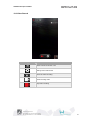
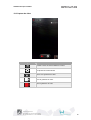
Click the buttons on the camera.
Image
Feature
Switch camera mode front / rear
Click this icon to detect smiles.
Choose the type of camera between normal and
panorama
Choose Normal Photo
Camera settings
Choose flash type
51