1
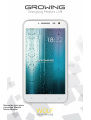
GROWING Smartphone WOLF
2. Basic Operations
2.1 Input PIN
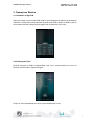
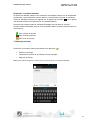
After you insert your SIM card and turn on your Smartphone will display the window to
submit the PIN code, first comes the SIM1 slot and SIM2 later. If your card does not have
PIN code this option will not appear on your screen.
2.2 Unlock Screen
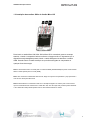
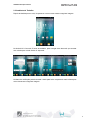
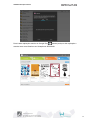
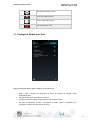
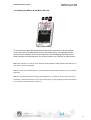
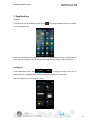
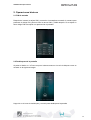
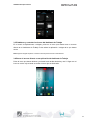
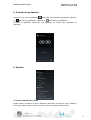
When you press the on / off once the system enters the lock menu as shown in the
following image.
Click the unlock icon and move it to unlock the screen.
33