1
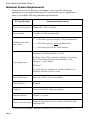
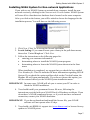
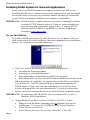
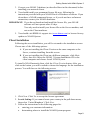
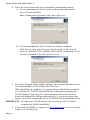
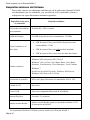
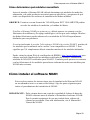
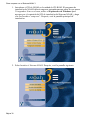
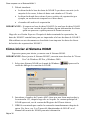
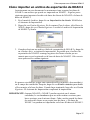
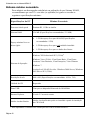
Getting Started with NOAH System 3 Getting Started with NOAH System 3 About This Document This document will help you install and start using your NOAH™ System software. It includes information on: What to do before you install the NOAH System software How to install NOAH System and other necessary software How to import your NOAH 2 client data into NOAH 3 Where to get additional help using NOAH IMPORTANT: If you have not yet purchased a NOAH System permanent license, the NOAH System software will stop functioning after 45 days. For information on purchasing a license, contact your NOAH distributor. Preparing for NOAH System Installation Before you install NOAH System, you should: Make sure your PC(s) meets the minimum NOAH System requirements described below Determine which modules your NOAH System installation will need Ensure you have Administrator rights if you are installing on Windows XP Pro or Windows 2000 IMPORTANT: If you already have a previous version of NOAH installed on your PC, you should back up your existing NOAH 2 or NOAH 3 database before continuing with this installation. Refer to your NOAH Users Manual for more information. Page 3