1
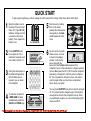
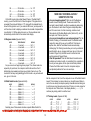
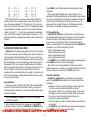
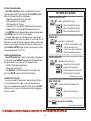
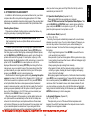
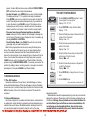
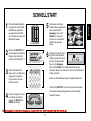
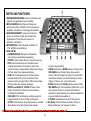
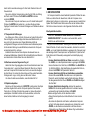
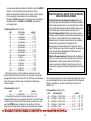
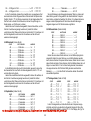
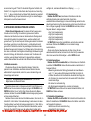
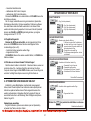
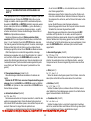
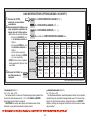
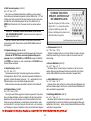
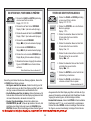
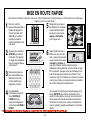
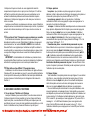
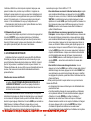
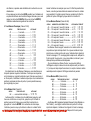
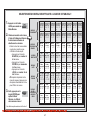
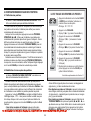
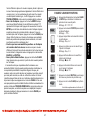
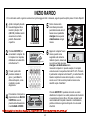
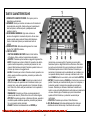
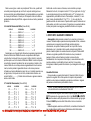
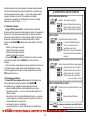
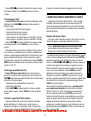
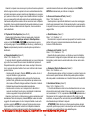
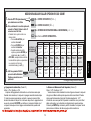
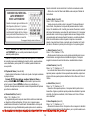
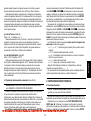
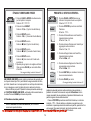
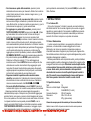
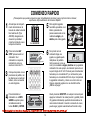
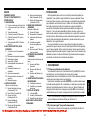
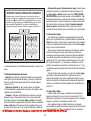
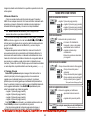
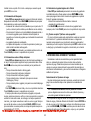
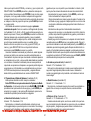
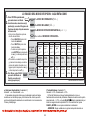
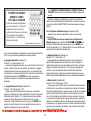
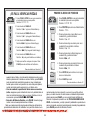
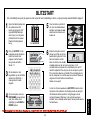
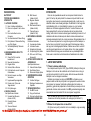
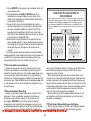
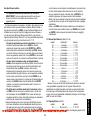
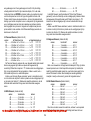
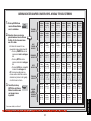
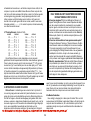
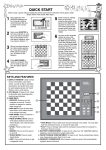
QUICK START To play a game right away, without reading the entire manual first, simply follow these Quick Start steps! 1 Open the battery cover in the base of the unit. Insert three “AA” (Type AM3/R6) batteries, making sure that you observe the correct polarity. Then, replace the battery cover. 2 Press GO/STOP to turn the computer on. If the unit doesn’t respond, reset it as noted in Section 7.1. 3 Set up the chess pieces in the initial starting position with the White pieces closest to you, as shown in this diagram. 4 To reset the computer for a NEW GAME of chess, simultaneously press the CLEAR and ENTER keys. 5 Enter moves by making them on the board, pressing the chess pieces down gently on the from and to squares for each move. 6 As soon as the computer makes a move, its move is shown in the display window. You’ll see the piece, along with the piece color and the from and to squares of the computer’s move. In this example, the computer wants to move its Black pawn from E7 to E5. Press the computer’s pawn down on Square E7, and then press it on Square E5. This completes the computer’s move, and now it’s your turn again. Make your next move as described above. Enjoy your game! 3 x AA/AM3/R6 go/stop ዛዒዓዔዕዖዘዙዜ ዑ尷尽尻就尯尹尿尵ዑ ዐ屁屃屁屃屁屃屁屃ዐ ዏ巀居巀居巀居巀居ዏ ዎ居巀居巀居巀居巀ዎ ው巀居巀居巀居巀居ው ዌ居巀居巀居巀居巀ዌ ዋ屄层屄层屄层屄层ዋ ዊ尶局尺尴尮尼尾尸ዊ ዝዒዓዔዕዖዘዙዞ new game clear You can press GO/STOP at any time to turn the computer off. Your current position and game (up to 30 individual moves) will be stored in the computer’s memory. When you switch back on again, you can continue playing right where you left off. enter Pdf downloaded from http://www.thepdfportal.net/0d71f9df-8f27-4948-9469-8607446a2519_324239.pdf