1
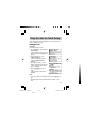
Shifting the displayed character size (z)
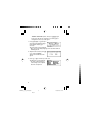
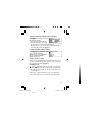
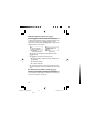
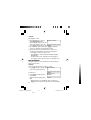
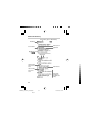
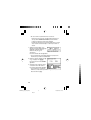
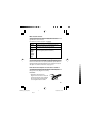
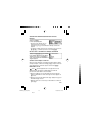
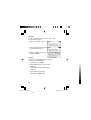
Press the z key to shift the character size to be displayed.
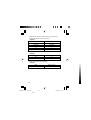
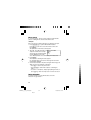
12 dot-based (vertical pixel resolution) or 8 dot-based characters can
be selected. For instance, press z to display the 12 dot
characters to 8 dot characters. Press z again to toggle back the
displayed characters to 12 dot-base.
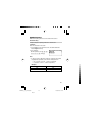
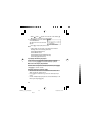
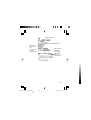
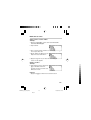
12 dot-based (default)
8 dot-based
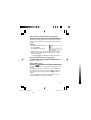
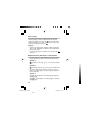
• The character size setting will be retained until the next time
z is pressed.
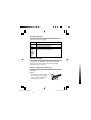
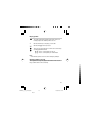
• The z key is functional in the following views:
• The list view, detail view, filter search view or Quick view of
each dictionary
• The Super jump window
• The contents of the Note
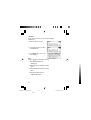
• The character size setting is saved for each dictionary in both the
list view (including filter search view and Quick view) and the detail
view.
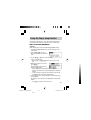
Recalling the terms previously searched (h)
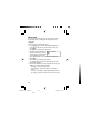
The history of up to 30 items in each dictionary is automatically
stored, and can be recalled easily by selecting the word in the history
list. (For more information, see page 47.)
18
PWE260_en_CA_1208.pm65
18
Black
12/08/2005, 17:35