1
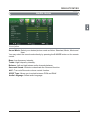
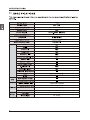
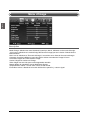
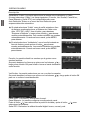
Setup menu
Description
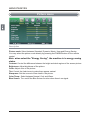
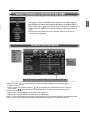
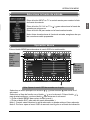
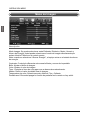
Menu Language: Select OSD menu language.
Transparency: Turn on or off the transparency menu function.
Zoom Mode: Select the zoom mode.
Noise reduction: Select the noise reduction mode between Strong, Off, Weak and Middle.
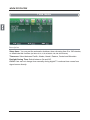
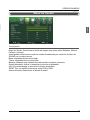
Advanced: If the video input signal comes from your
PC, you may adjust the V-Position, H-Position, Clock,
Phase or even perform an Auto adjustment.
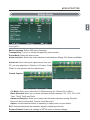
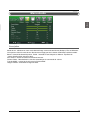
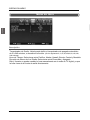
Closed Caption:
CC Mode: Allow you to select the CC Mode among: On, Off and CC on Mute.
Basic Selection: Allow you to select the basic selection among: CC1, CC2, CC3, CC4,
Text1, Text2, Text3 and Text4.
Advanced Selection: Allow you to select the advanced selection among: Service1,
Service2, Service3 Service4, Service 5 and Service 6.
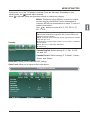
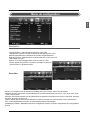
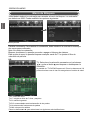
Option: Use thumbstick buttons to operating in option menu as your desire.
DLC: Activate/deactivate the automatic dynamic brightness function.
Restore Default: Restore all settings in SETUP menu to factory settings.
21