1
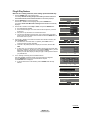
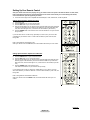
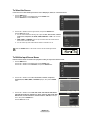
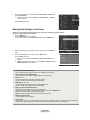
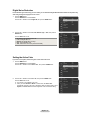
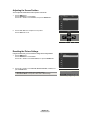
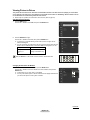
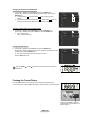
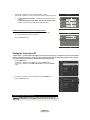
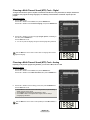
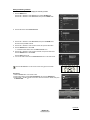
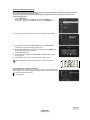
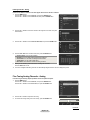
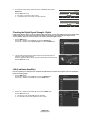
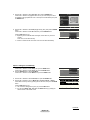
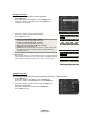
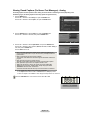
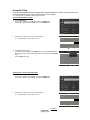
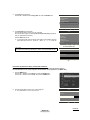
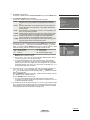
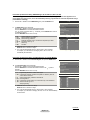
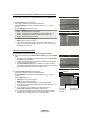
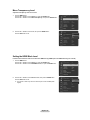
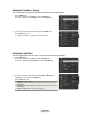
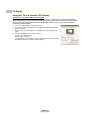
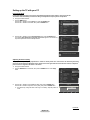
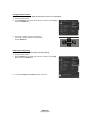
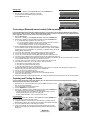
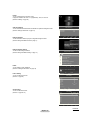
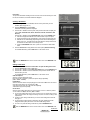
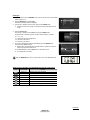
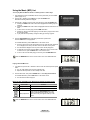
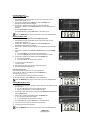
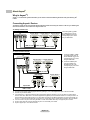
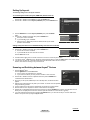
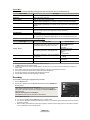
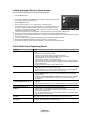
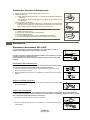
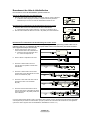
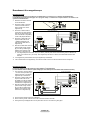
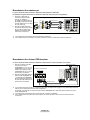
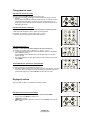
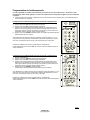
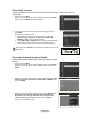
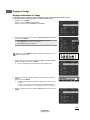
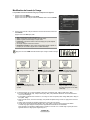
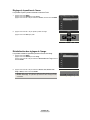
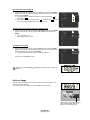
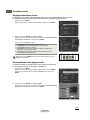
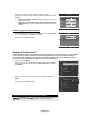
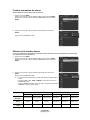
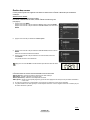
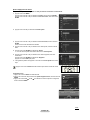
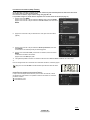
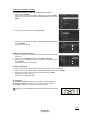
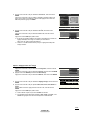
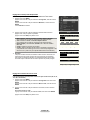
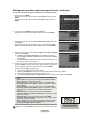
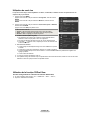
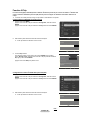
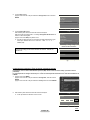
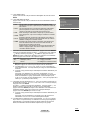
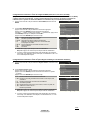
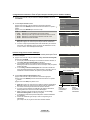
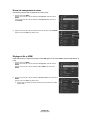
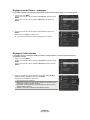
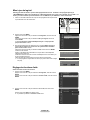
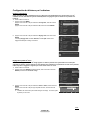
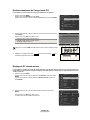
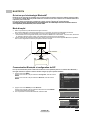
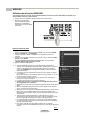
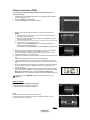
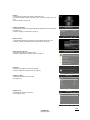
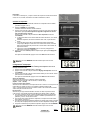
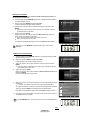
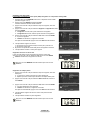
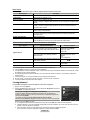
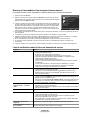
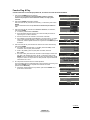
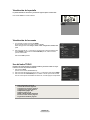
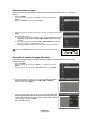
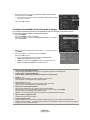
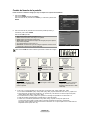
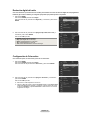
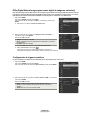
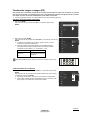
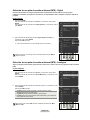
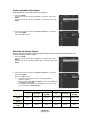
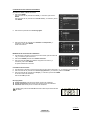
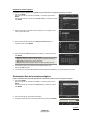
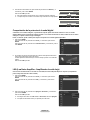
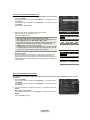
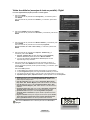
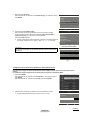
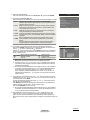
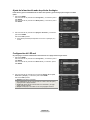
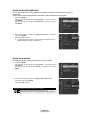
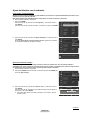
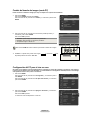
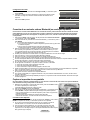
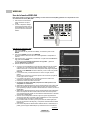
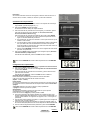
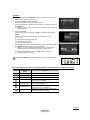
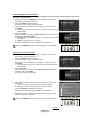
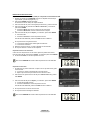
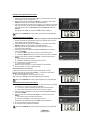
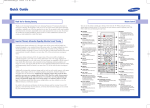
Picture Control Using Automatic Picture Settings Your TV has three automatic picture settings (“Dynamic”, “Standard”, “Movie”) that are preset at the factory. You can activate a Picture Setting by making a selection from the menu. 1 Picture Press the MENU button. Press the ENTER button to select Picture. Press the ENTER button again to select Mode. Mode :Dynamic Contrast : 100 Brightness : 45 Sharpness : 75 Color : 55 Tint (G/R) : G50/R50 Color Tone : Cool1 Detail Settings 2 Choose Dynamic to increase the clarity and sharpness of the picture. Choose Standard for general TV watching mode. Choose Movie when watching movies. Picture Press the ▲ or ▼ button to select Dynamic, Standard, or Movie, then press the ENTER button. Mode : Dynamic Dynamic Contrast Brightness Standard : 100 Movie : 45 Sharpness : 75 Color : 55 Tint (G/R) : G50/R50 Color Tone : Cool1 Detail Settings Press the P.MODE button on the remote control to select one of the standard picture settings. 3 : Dynamic Mode Picture Press the ▲ or ▼ button to select Contrast, Brightness, Sharpness, Color, or Tint (G/R), then press the ENTER button. ➢ Tint (G/R) is not available in DTV or PC mode. Contrast :100 Brightness : 45 Sharpness : 75 Color : 55 Tint (G/R) : G50/R50 Color Tone : Cool1 Detail Settings : 16:9 Size 4 5 Press the ◄ or ► button to decrease or increase the value of a particular item. Press the ENTER button. ➢ ● Each adjusted setting will be stored separately according to its input mode. ● When you make changes to Contrast, Brightness, Sharpness, Color, or Tint (G/R), OSD color will also be adjusted accordingly. 100 Contrast Move Press the ▲ or ▼ button to select Color Tone, then press the ENTER button. Adjust Color Enter Return : 55 Picture Tint (G/R) : G50/R50 Color Tone : Cool1 Detail Settings Size : 16:9 Digital NR : Auto Active Color : On DNIe : On Color Gamut : Wide Position Continued... English - 28 BP68-00628B-00Eng_2.indd 28 2007-03-02 ソタネト 4:22:19