1
Basic Operations
5.7
5. Hotkey
5.1
List
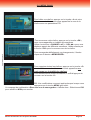
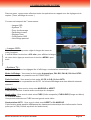
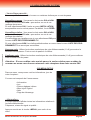
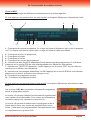
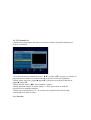
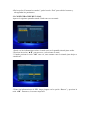
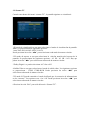
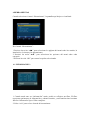
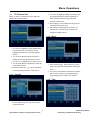
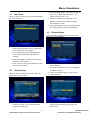
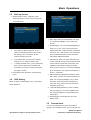
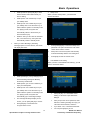
1 In full screen, press [List] key can enter “Channel
List”, please refer to TV Channel List for detail
Standby
information.
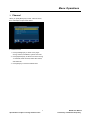
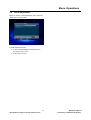
1 Press [Power] Key can enter the Standby state
2 In “Channel List” menu, press [OK] key to play the
2 In Standby state, press [Power] Key again can call
highlighted channel.
back the unit and go on play the previous channel
3 User can also disconnect the device’s main power
5.8
to end the Standby state.
1
5.2
CH+/CH-
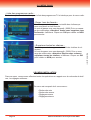
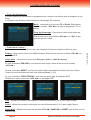
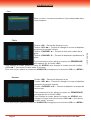
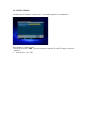
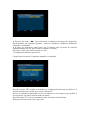
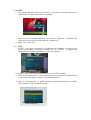
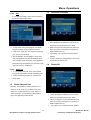
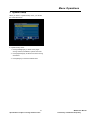
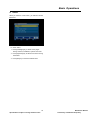
Press [Help] key in each menu, can display detail
help information which can tell you how to operate
the menu.
In full screen, press [Up/Down] to change channel.
2
5.3
Help
Press [Exit] key to exit help menu.
V-/V+
5.9
In full screen, press [Left/Right] to adjust volume.
Audio
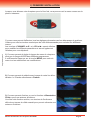
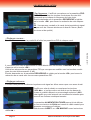
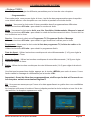
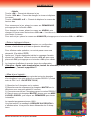
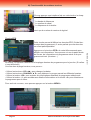
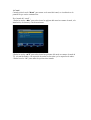
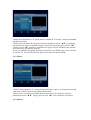
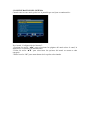
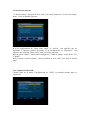
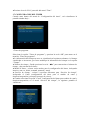
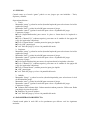
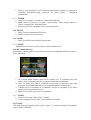
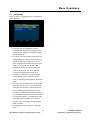
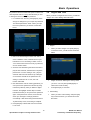
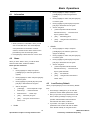
1 In full screen, press [Audio] key can open the
5.4
Number
“Audio Mode” window on the right side of the
screen.
In full screen, use number key and press [OK] on the
Remote Control Unit to change channel.
5.5
TV/RADIO
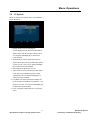
In TV mode, press [TV/RADIO] key can switch to Radio
mode. In Radio mode, press [TV/RADIO] key to switch
2 You can move highlight by press [Up/Down] key
to TV mode.
and switching each selection by press [Left/Right]
5.6
Zoom
key
3 Press [Exit] key to exit.
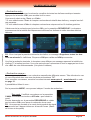
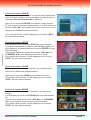
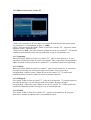
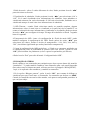
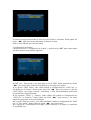
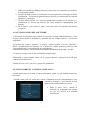
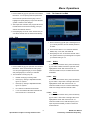
1 The [Zoom] key allows you to magnify a certain
area on the images and the current screen will
5.10 EPG
show
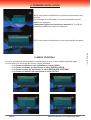
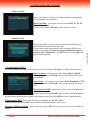
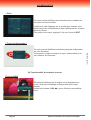
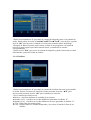
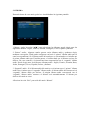
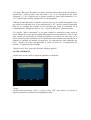
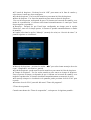
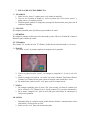
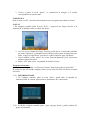
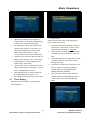
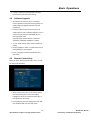
1 The STB has an Electronic Program Guide (EPG)
to help you navigate channels through all the
possible viewing options. The EPG supplies
.
information such as channel listings and starting
2 Press [Zoom] key again, the image will enlarge
and ending times for all available channels.
rotate as x1, x2, x4, x6, x8, x12, x16.
Press [EPG] key to display EPG screen.
3 In “x2 ~ x16” image, using [Channel Up/ Channel
Down/ Volume Up/ Volume Down] keys to move
the image center area you want to see.
4 In zoom mode, press [Exit] to close “Zoom”
window.
25
Specifications subject to change without notice
M3330 User Manual
Preliminary Confidential Proprietary