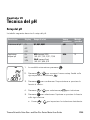
1
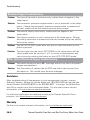
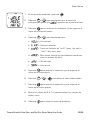
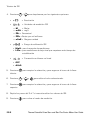
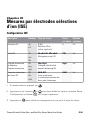
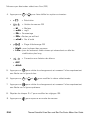
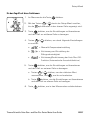
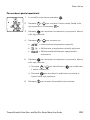
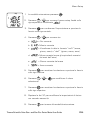
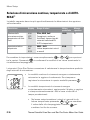
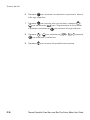
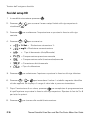
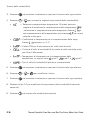
3. Press
/
to scroll through
to print the datalog or
to print
the calibration log. The Orion Star meters will display
instead of
.
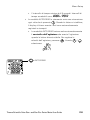
4. Press
to send the selected data to the printer or computer.
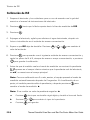
To interfacing the meter with a computer:
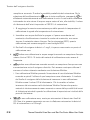
The Orion Star and Star Plus meters can send measurement and calibration data to
a computer in a comma delimited format that is easy to parse in computer programs
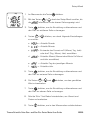
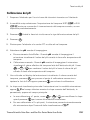
like Excel. Select the
,
,
output setting in the setup menu.
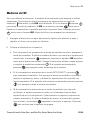
To send data from the meter to a computer using HyperTerminal:
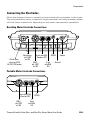
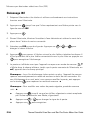
1. Connect the meter to a computer port using the computer interface cable,
Cat. No. 1010053.
2. Click on the start button on the lower left side of the computer screen. Select
All Programs, Accessories, Communications and HyperTerminal.
3. When the HyperTerminal window opens, enter a file name, select an icon for the
connection and click on the OK button.
4. When a new window opens, go to the Connect Using drop-down menu, select
the COM port that the meter is connected to and click on the OK button.
5. A window will open with the COM port properties listed. Select the following
settings from the drop-down menus and then click on the OK button.
Bits per second: 9600
Data bits: 8
Parity: None
Stop bits: 1
Flow control: Hardware
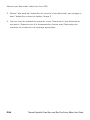
6. Send data from the meter to HyperTerminal.
EN-50
Thermo Scientific Orion Star™ and Star Plus Series Meter User Guide