1
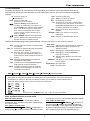
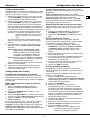
On screen display
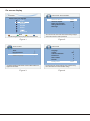
TV menu \ Install \ Channel installation
TV installation
Please select your language.
Automatic Search
Automatic Update
Digital: Test reception
Analog: Manual search
Rearrange
English
Espanol
Francais
Hrvatski
Italiano
Done
Done
Nederlands
Next
Press OK or the green colour key on your remote control to continue.
Figure 1
The TV will search for, find and store all the available analog and digital
channels for the antenna or cable input selected.
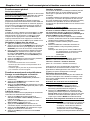
Figure 2
TV menu \ Features
TV menu \ Install
Timer
Parental Control
Subtitle
Subtitle language
Language
Country
Channel installation
Preferences
Source labels
Decoder
Factory reset
On
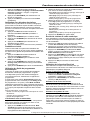
This displays subtitles from the selected TV channel. When subtitles are on,
Digital text is not available.
Figure 3
UK
Done
This resets the picture and sound settings to their predefined factory
values, but maintains the channel installation settings.
Figure 4