1
Series 5 Digital Force Gauges
User’s Guide
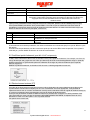
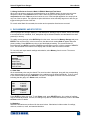
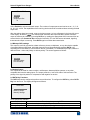
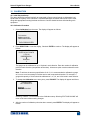
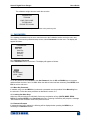
ENTER PASSWORD
(0000 – 9999)
5000
Use the UP and DOWN keys to select the correct password, then press ENTER to continue.
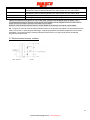
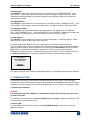
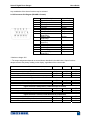
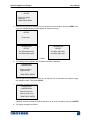
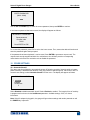
If the incorrect password has been entered, the display will appear as follows:
INCORRECT PASSWORD
Reset password
Request code:
XXXX
Press ENTER or ESC
To re-enter the password, press ESC to exit to the home screen. Then, access the desired function and
enter the password again when prompted.
If the password has been misplaced, it can be reset. Press ENTER to generate a request code. The
request code must be supplied to Mark-10 or a distributor, who will then provide a corresponding
authorization code. Enter the activation code to disable the password.
12 OTHER SETTINGS
12.1 Automatic Shutoff
The gauge may be configured to automatically power off following a period of inactivity while on battery
power. Inactivity is defined as the absence of any key presses or load changes of 100 counts or less. To
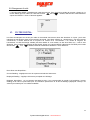
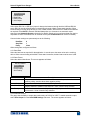
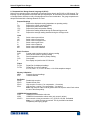
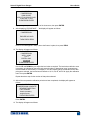
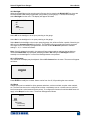
access these settings, select Automatic Shutoff from the menu. The display will appear as follows:
AUTOMATIC SHUTOFF
* Disabled
Enabled
Set Minutes
5
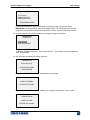
Select Disabled to disable automatic shutoff. Select Enabled to enable it. The length of time of inactivity
is programmed in minutes via the Set Minutes parameter. Available settings: 5-30, in 5 minute
increments.
Note: If the AC adapter is plugged in, the gauge will ignore these settings and remain powered on until
the POWER key is pressed.
25