1
GRUPPO CIMBALI S.p.A.
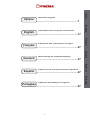
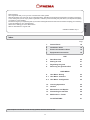
Index
Page
1. General Rules 18
2. Installation Rules 18
3. Electrical Installation Rules 19
4. Equipotential Connection 19
USE
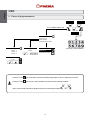
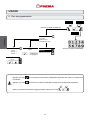
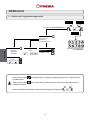
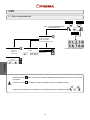
5. Data flow chart 20
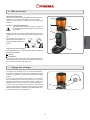
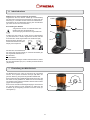
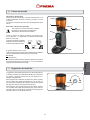
6. Setting at work 21
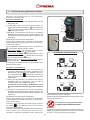
7. Regulating the grind 21
8. Removing the ground coffee 22
USER MENU
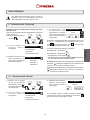
9. User Menu: Dosing 23
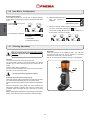
9.1 User Menu: Counters 23
9.2 User Menu: Configuration 24
10. Cleaning Operations 24
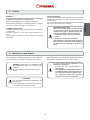
11. Caution 25
12. Maintenance and Repairs 25
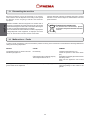
13. Dismantling the machine 26
14. Malfunctions – Faults 26
ILLUSTRATIONS These chapters in the manual are to be used by qualified, authorized technical staff.
17
67
English
Dear Customer,
We congratulate with you for your new "On Demand" coffee grinder.
With this purchase you’ve chosen an up to date apparatus, built after the most advanced principles of modern technology,
a unit, which gives you not only a perfect synthesis of efficiency and functonality, but puts also at your disposal everything
you need for a good working.
The advice we give you of spending a bit of your time in reading this manual comes from our desire of helping you in reaching
a good knowledge of your new apparatus.
We’re sure of finding you of the same advice.
With our best wishes of a good work.