1
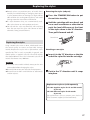
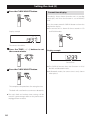
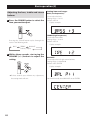
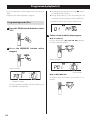
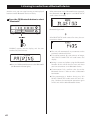
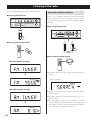
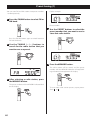
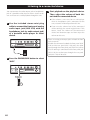
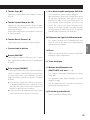
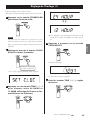
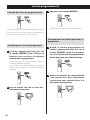
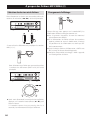
4 Press the TIME (j/k) buttons to set
the TIMER ON minute and press the
TIMER button.
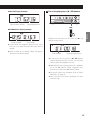
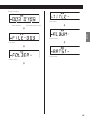
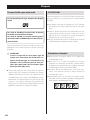
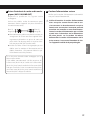
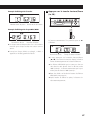
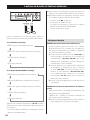
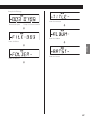
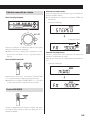
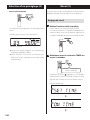
Display example
The “hour” value blinks.
oo If no action is taken for 10 seconds, timer setting
will end automatically.
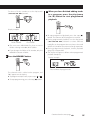
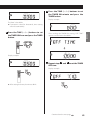
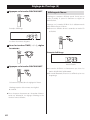
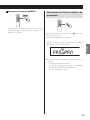
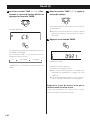
After making the TIMER ON setting, “OFF TIME”
appears and the hour value blinks.
c
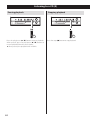
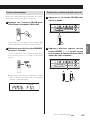
Display example
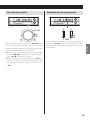
5 Repeat steps 3 and 4 to set the TIMER
OFF time.
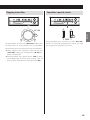
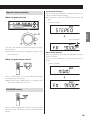
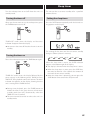
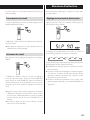
Display example
oo After setting the hour, the minutes blink.
Continued on the next page
53
ENGLISH
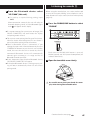
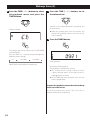
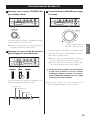
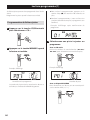
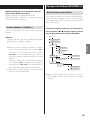
3 Press the TIME (j/k) buttons to set
the TIMER ON hour and press the TIMER
button.