1
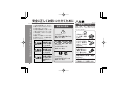
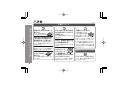
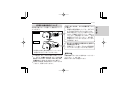
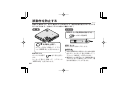
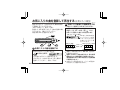
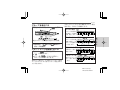
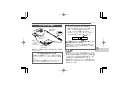
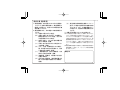
To put the unit in the malfunction prevention state,
move the HOLD switch in the direction of the arrow.
To cancel the hold mode, return the HOLD switch to
its original position.
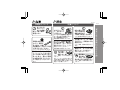
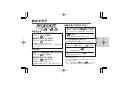
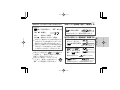
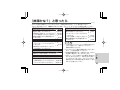
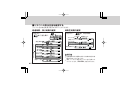
TRACK SEARCH (page 21)
To move to the beginning of the next track :
During playback, press the
button once.
To fast-forward audibly (Cue):
During playback, hold down the
button.
Playback will start when you release the button.
3. Press the
button when you reach the track
MD-DS30
you wish to listen to. Normal playback will
resume.
Note:
Intro play cannot be operated with the
the main unit.
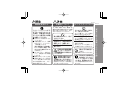
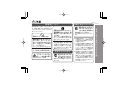
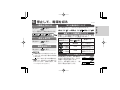
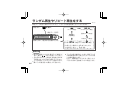
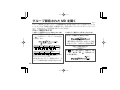
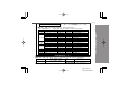
RANDOM OR REPEAT PLAYBACK (pages 22 - 23)
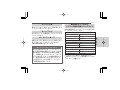
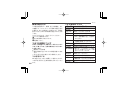
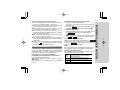
Press the MODE button on the remote control repeatedly to select the playback mode during playback.
No display
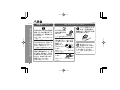
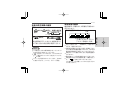
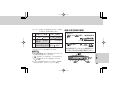
To move to the beginning of the current track:
During playback, press the
button once.
To fast-reverse audibly (Review):
During playback, hold down the
button.
Playback will start when you release the button.
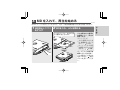
To start playback with a desired track:
1. While in the stop mode, press the
or
button on the remote control.
2. Press the
button.
The selected track will be played back.
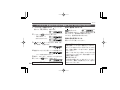
INTRO PLAY (page 21)
This function plays the first 9 seconds of each track.
1. Press the MODE button on the remote control
to enter the normal playback or all track repeat
playback mode.
2. While in the stop mode, hold down the
button
on the remote control for 2 seconds or more.
button on
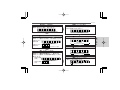
After all tracks are played back at random,
playback stops automatically.
(You cannot select the playback order.)
Random play is repeated.
All tracks are played back repeatedly in
order.
The selected track is played back repeatedly.
All tracks registered as "favorite tracks"
( )
are played in order and playback stops.
All favorite tracks are played back repea( )
tedly.
Playback stops after all tracks are played
No
display in order.
*
*
ENGLISH OPERATION MANUAL
MD-DS30
Remote Control Unit:
ご
参
考
*
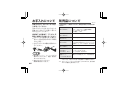
( ) MY, MY , are displayed only when the favorite
tracks are registered on MiniDisc.
51