1
3.
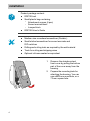
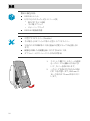
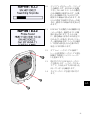
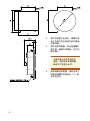
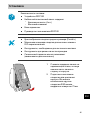
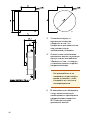
Place the housing in the
installation hole to see that it
fits, and that there is sufficient
clearance behind the hole.
4.
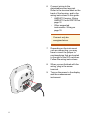
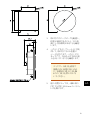
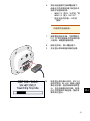
Mark the places of the
attachment screws using the
housing as a template. Make
sure the housing is straight, with
the direction arrow pointing up.
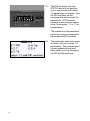
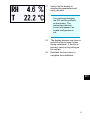
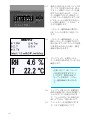
To keep the display
element clean and
undamaged, do not touch
or press down on the
display element during
installation.
EN
JA
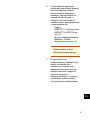
5.
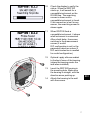
If required by the wall material,
drill Ø2.8 mm pilot holes for the
four attachment screws.
ZH
RU
5