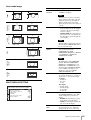
1
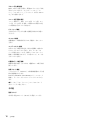
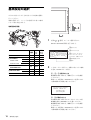
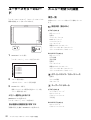
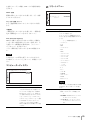
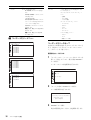
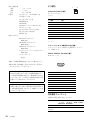
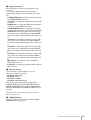
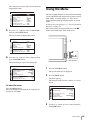
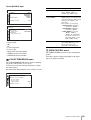
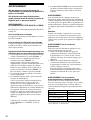
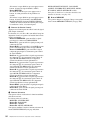
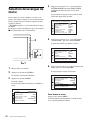
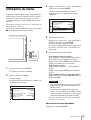
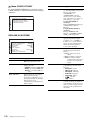
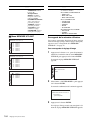
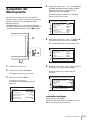
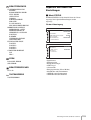
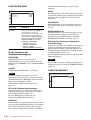
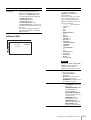
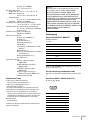
The menu icon presently selected is shown in
yellow and setting items are displayed.
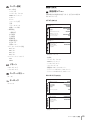
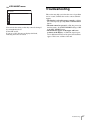
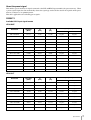
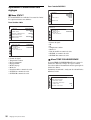
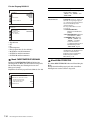
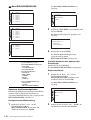
USER CONFIGtSYSTEM SETTING
M AT R I X :
COMPONENT LEVEL:
NTSC SETUP:
SCAN:
GAMMA:
F O R M AT D I S P L AY:
L A N G UAG E :
P O W E R S AV I N G :
P I C T U R E D E L AY M I N :
4
xxx
xxxxx
x
xxxxxx
xxx
xx
ENGLISH
xx
x
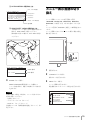
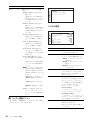
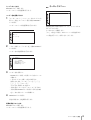
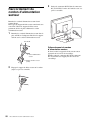
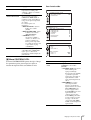
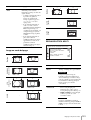
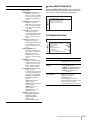
Select an item.
Use the + or – button to select the item, then press
the ENTER button.
The item to be changed is displayed in yellow.
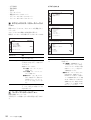
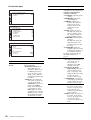
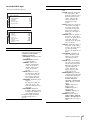
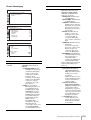
If the menu consists of multiple pages, press + or –
button to go to the desired menu page.
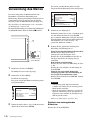
5
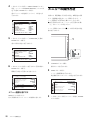
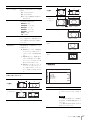
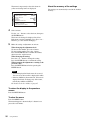
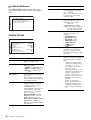
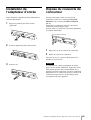
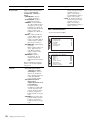
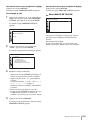
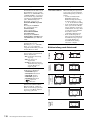
Make the setting or adjustment on an item.
When changing the adjustment level:
To increase the number, press the + button.
To decrease the number, press the – button.
Press the ENTER button to confirm the number,
then restore the original screen.
When changing the setting:
Press the + or – button to change the setting.
Press the ENTER button to confirm the setting.
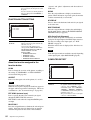
When returning the adjustment or setting to the
previous value:
Press the RETURN button before pressing the
ENTER button.
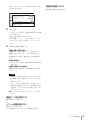
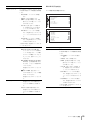
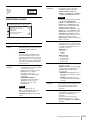
Notes
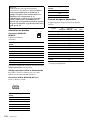
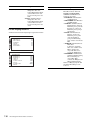
• An item displayed in black cannot be accessed.
You can access the item if it is displayed in white.
• If the key inhibit has been turned on, all items are
displayed in black. To change any of the items,
turn the key inhibit to OFF first.
For details on the key inhibit, see page 67.
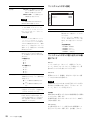
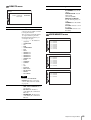
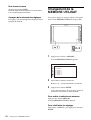
To return the display to the previous
screen
Press the RETURN button.
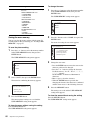
To clear the menu
Press the MENU button.
The menu disappears automatically if a button is not
pressed for one minute.
56
Using the Menu
About the memory of the settings
The settings are automatically stored in the monitor
memory.