1
⊙System Information
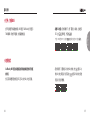
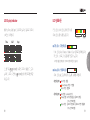
fter turning on the BB5 unit, the STEP mode will be activated automatically.
A
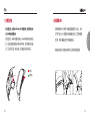
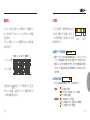
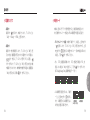
You could check the number of steps taken by entering the sub menu on the
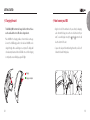
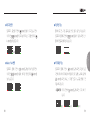
STEP mode. On the bottom left side of the screen, LED light(s) will indicate the
number of steps you've taken. Each LED light will indicate 1,000 steps. You could
adjust the daily target steps through GB World Manager program by connecting
your BB5 to a computer (This feature will be later announced shortly after the
release of the BB5).
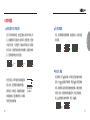
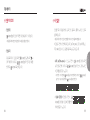
•Steps will reset automatically at 12:00 AM of the set time on the BB5.
•You could reset the steps manually by pressing and holding the
button.
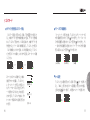
You could navigate between "Yes or No" and press
button to confirm the
option.
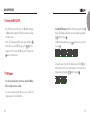
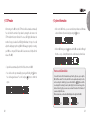
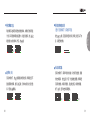
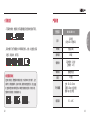
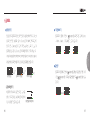
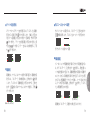
•When not in GOLF mode, you can view the battery indicator and firmware
version information (shown below) by pressing the button.
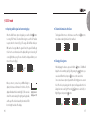
•When in GOLF mode, press the button and the BB5 screen will scroll through
the time → steps → battery information in 2 second intervals as shown below.
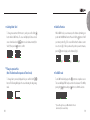
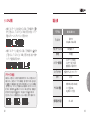
How to use the Demo Mode
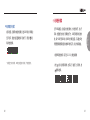
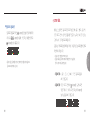
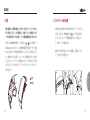
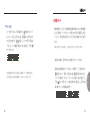
To view the functions of GOLF mode while away from the golf course, you can put the
BB5 into “Demo mode”. To do this, enter GOLF mode as explained previously. Once the
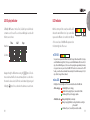
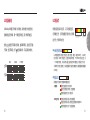
unit is searching for satellites (Fig. L), press and hold both the
buttons until the
screen displays the “searching for course” symbol (Fig. M). Once the screen changes to the
distance function (Fig. N), you can now access and view the function of GOLF mode as if
you were actually at the course.
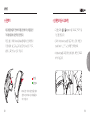
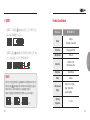
While in demo mode, one blue status LED will display on the right side of the BB5.
(Fig. L)
20
(Fig. M)
(Fig. N)
21
User Manual
⊙STEP mode