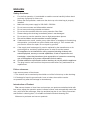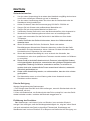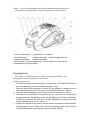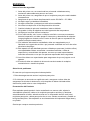
1
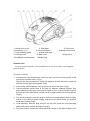
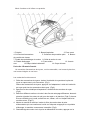
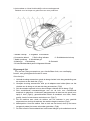
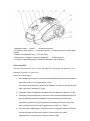
when it is out of use. (Fig10)
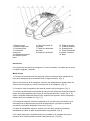
7. Press the "PUSH" button to open the accessory cover. (Fig 11)
3
1
2
5
6
8
4
7
9
11
10
Maintenance
00clear
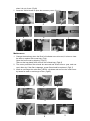
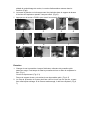
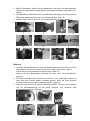
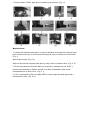
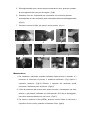
1. Change the dust bag: when the Dust full indicator turns00
to be red, it is time to
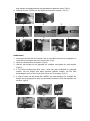
the dust or replace with a new bag. (Fig1)
00
00
Open the front cover by clipping. (Fig2,3)
Take out the bag holder then remove the full dust bag. (Fig4,5)
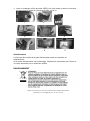
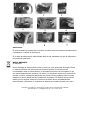
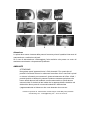
2. The motor protection filter should be removed and rinsed once a year, and can
use it after dry. If the filter is damage, a new filter should be replaced. (Fig6,7)
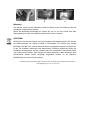
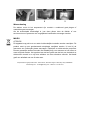
3. Wash or exchange the outlet filter (HEPA): clip down and remove the outlet cover
by hands for wash or exchange of filter. (fig8,9)
1
3
2
4
5
7
8
6
9