1
Telephone Helpline: 0845 146 2887
UK
Operation
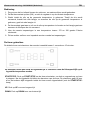
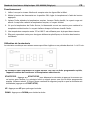
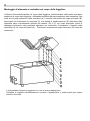
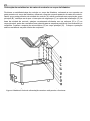
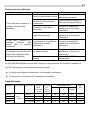
1. Please ensure Oil level is between Min and Max lines.
2. Turn the thermostat dial towards the “ON” position, adjust the dial to the required
temperature setting.
3. Allow time for the oil temperature to reach the required setting. While the oil is heating, the
red light will be on, when the oil has reached the required temperature; the red light will
switch off.
4. As the oil temperature fluctuates, the thermostat will operate to maintain the set
temperature, the indicator light will be lit when the Fryer is heating the oil.
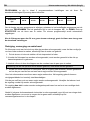
5. A temperature setting of between 170 and 180 degrees centigrade will be sufficient for
most cooking. However this may vary for particular food types or according to individual
requirements.
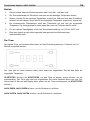
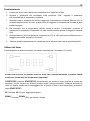
Using the Timer
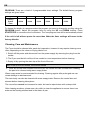
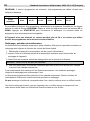
The digital timer with audible alarm can be set from 1 second to15 minutes
The timer provides an audible alarm only; after the set time expires unit will continue to
operate at set temperature.
START/STOP: Press START/STOP to start timer, press again to stop. The timer will provide an
audible alarm after the set time. The alarm will beep 10 times and the display will continue to
flash until timer is reset (press the START/STOP button)
UP: Press UP to add extra time
DOWN: Press DOWN to reduce time