1
15 Parental Control
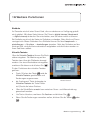
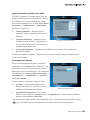
Blocking Contents with the Recorder
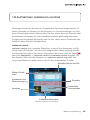
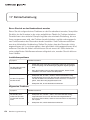
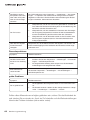
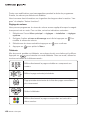
You can use several locks to prevent your children from watching unsuitable programs. The protection system of the recorder relies on the PIN code: a four digit
number that is entered when you first try to access blocked content after turning
your recorder on. When you put the recorder into stand-by, the locks become active again.
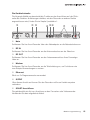
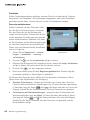
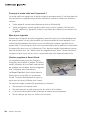
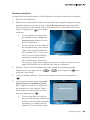
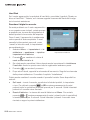
Changing the PIN Code
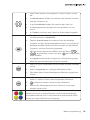
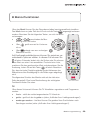
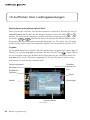
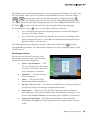
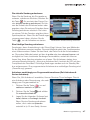
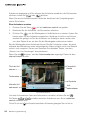
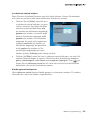
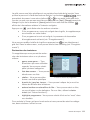
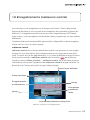
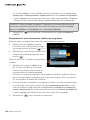
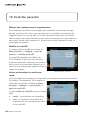
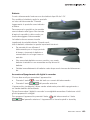
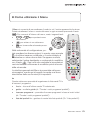
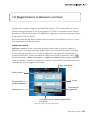
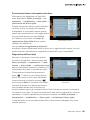
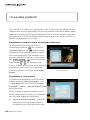
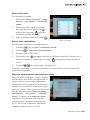
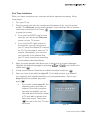
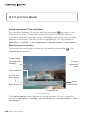
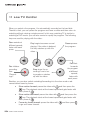
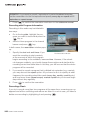
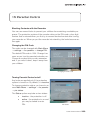
The code can be changed with Main Menu
→ settings → for parents → change PIN.
The default PIN code is 1234. Change it as
soon as you turn the parental protection on.
Choose a number that you can remember
and, if you write it down, keep it away from
your children.
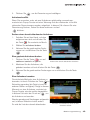
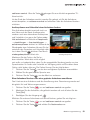
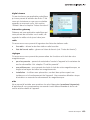
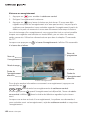
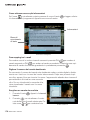
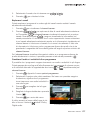
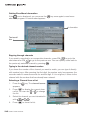
Changing the PIN Code
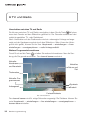
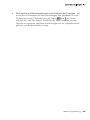
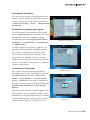
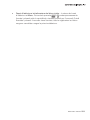
Turning Parental Control on/off
Any locks are applied only if the protection
system is turned on. By default, it is inactive.
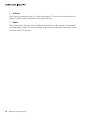
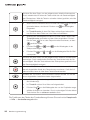
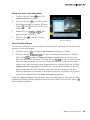
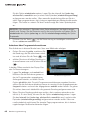
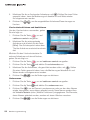
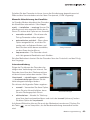
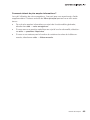
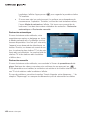
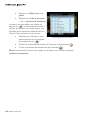
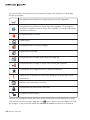
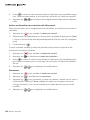
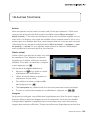
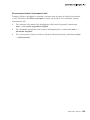
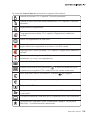
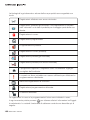
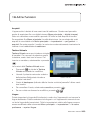
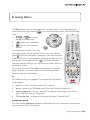
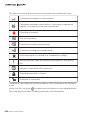
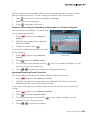
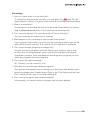
To change protection status, you have to access Main Menu → settings → for parents
→ pin status.
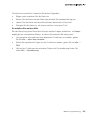
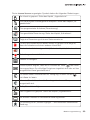
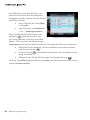
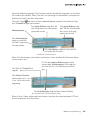
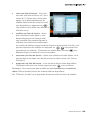
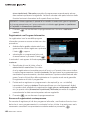
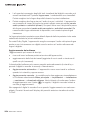
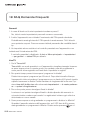
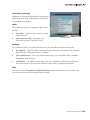
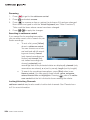
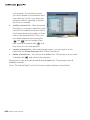
The Status option may take on two states:
•
inactive - the protection is off.
•
active - the protection is on and
you may be asked to enter
PIN.
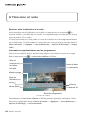
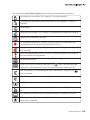
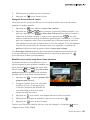
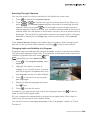
PIN Status
User Instructions 269