1
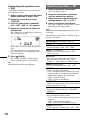
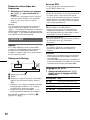
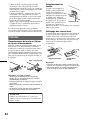
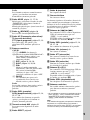
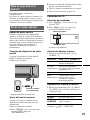
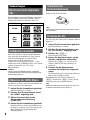
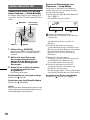
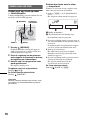
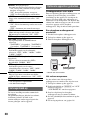
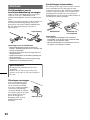
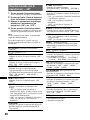
Operating an iPod directly
— Passenger control
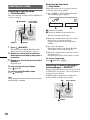
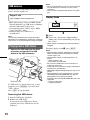
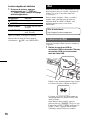
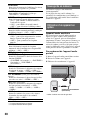
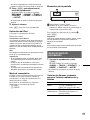
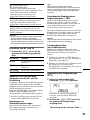
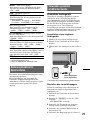
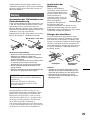
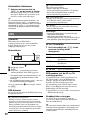
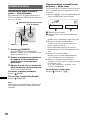
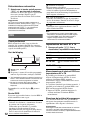
You can operate an iPod connected to the dock
connector directly.
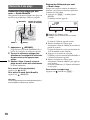
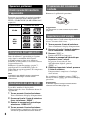
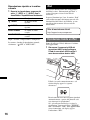
1
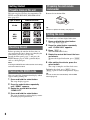
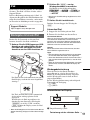
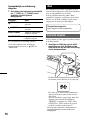
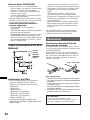
During playback, press and hold
(MODE).
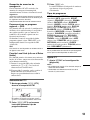
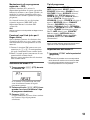
“MODE IPOD” appears and you will be able
to operate the iPod directly.
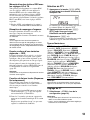
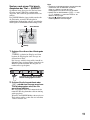
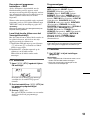
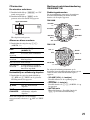
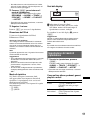
To change the display items
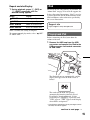
Press (DSPL).
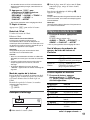
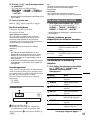
The display items change as follows:
Track name t Artist name t Album name t
MODE IPOD t Clock
To exit the passenger control
Press and hold (MODE).
Then “MODE AUDIO” will appear and the play
mode will change to “RESUMING.”
Notes
• The volume can be adjusted only by the unit.
• If this mode is canceled, the repeat setting will be
turned off.
Other functions
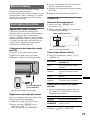
Changing the sound settings
Adjusting the sound
characteristics
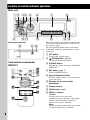
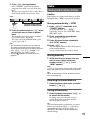
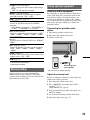
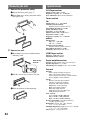
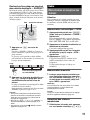
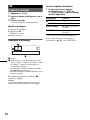
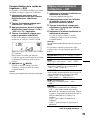
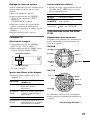
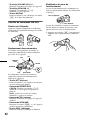
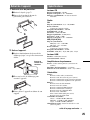
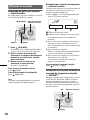
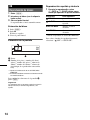
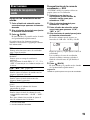
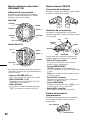
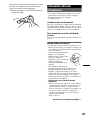
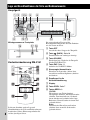
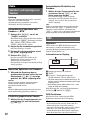
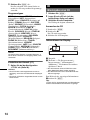
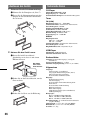
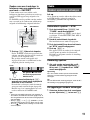
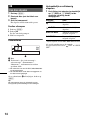
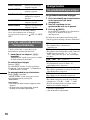
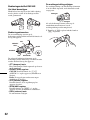
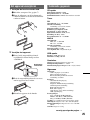
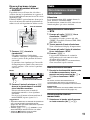
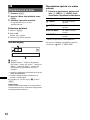
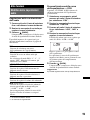
1
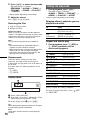
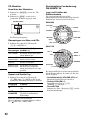
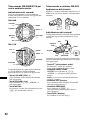
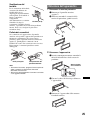
Press the select button repeatedly
until the desired item appears.
2
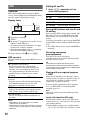
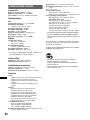
Rotate the control dial to adjust the
selected item.
3
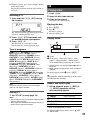
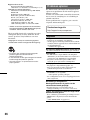
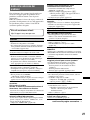
Press
(BACK).
The setting is complete and the display
returns to normal play/reception mode.
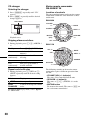
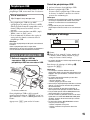
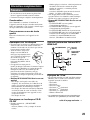
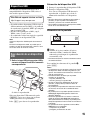
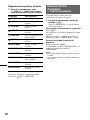
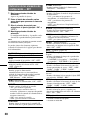
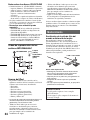
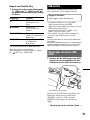
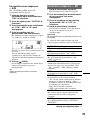
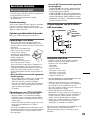
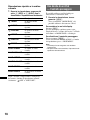
The following items can be set (follow the page
reference for details):
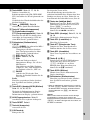
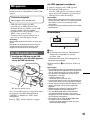
EQ3
Selects an equalizer curve from 7 music types.
DSO (Dynamic Soundstage Organizer)
Creates a more ambient sound field.
To select the DSO mode: “1,” “2,” “3” or “OFF.”
The larger the number, the more enhanced the
effect.
LOW*1, MID*1, HI*1 (page 18)
BAL (Balance)
Adjusts the sound balance between the left and
right speakers.
FAD (Fader)
Adjusts the relative level between the front and
rear speakers.
SUB (Subwoofer volume)
Adjusts the subwoofer volume.
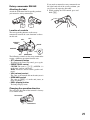
AUX (AUX level)*2
Adjusts the volume level for each connected
auxiliary equipment: “+18 dB” – “0 dB” – “–8
dB.”
This setting negates the need to adjust the
volume level between sources.
*1 When EQ3 is activated.
*2 When AUX source is activated.
17