1
Settings
USB
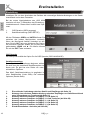
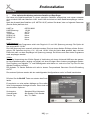
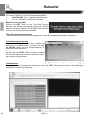
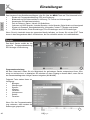
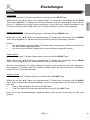
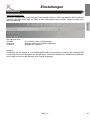
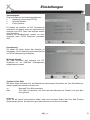
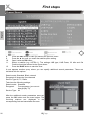
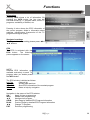
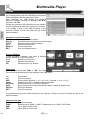
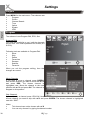
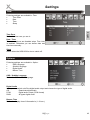
Photo Configure
Configure the playback and Slideshow of picture files.
Slide Time
Define the duration for every picture in the slide
mode (1-8sek)
Aspect Ratio
Choose whether the aspect ratio of your pictures
should be original or changed to full screen
(DISCARD). DISCARD can cause deformations of
the pictures.
English
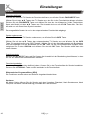
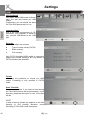
Slide Mode
There are 59 different types of slide effects.
Random is also possible.
Notes:
We recommend following settings:
Slide Time:
8sek
Slide Mode:
Random
Aspect Ratio:
Keep
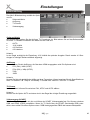
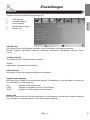
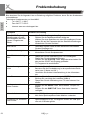
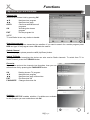
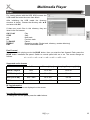
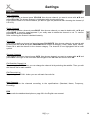
Movie Configure
These settings are only for external or internal
Subtitles
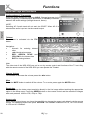
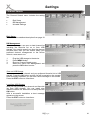
Subtitle Specific
Define the size of subtitles
Subtitle BG
Choose between transparent and coloured background
Subtitle Letters
Define the colour of the subtitle letters
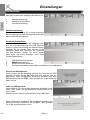
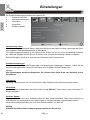
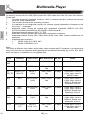
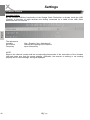
Formats
Supported formats
•
Micro DVD (SUB)
•
Subrip (SRT)
•
Sami (SMI)
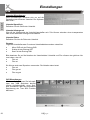
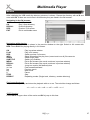
Notation of Video and External Subtitle files
Please be sure that movie and subtitle are named equal e.g.:
•
Movie.avi and Movie.srt
It is also possible to use 2 languages:
•
Movie.avi, Movie.ger.srt and Movie.eng.srt
HRS 8520
45