1
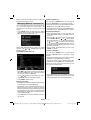
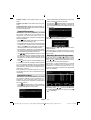
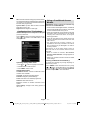
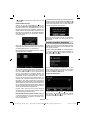
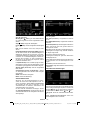
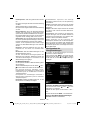
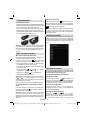
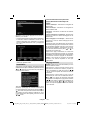
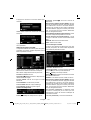
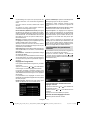
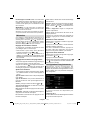
Select YES and press OK to continue or select NO
and press OK button to cancel.
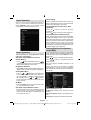
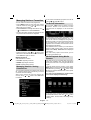
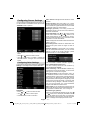
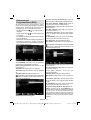
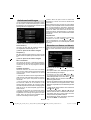
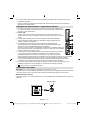
Managing Stations: Channel List
Deleting a Channel
You can press GREEN button to tag/untag all
channels; YELLOW button to tag/untag channel.
The TV sorts all stored stations in the Channel List.
You can edit this channel list, set favourites or set
active stations to be listed by using the Channel List
options.
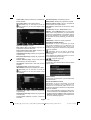
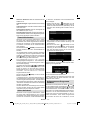
• Select the channel that you want to delete and select
Delete option. Press OK button to continue.
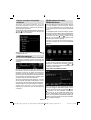
• Press “MENU” button to view main menu. Select
Channel List item by using “ ” or “ ” button. Press
OK to view menu contents.
Renaming a Channel
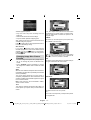
• A warning screen will appear. Select YES to delete,
select No to cancel. Press OK button to continue.
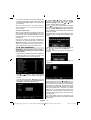
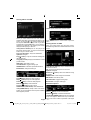
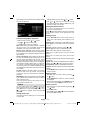
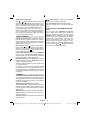
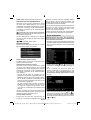
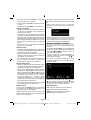
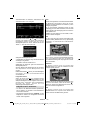
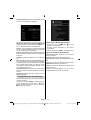
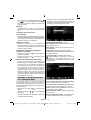
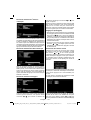
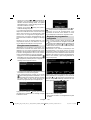
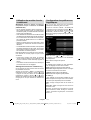
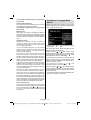
• Select the channel that you want to rename and
select Edit Name option. Press OK button to
continue.
• Pressing “ ” or “ ” button moves to the previous/
next character. Pressing “ ” or “ ” button toggles
the current character, i.e., ‘b’ character becomes ‘a’
by “ ” and ‘c’ by “ ”. Pressing the numeric buttons
‘0...9’ replaces the highlighted character with the
characters printed above the button one by one as
the button is pressed.
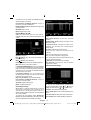
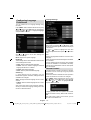
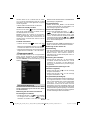
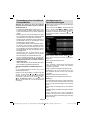
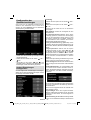
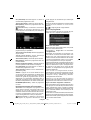
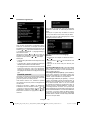
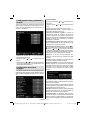
Select Edit Channel List to manage all stored
channels. Use “ ” or “ ” and OK buttons to select
Edit Channel List.
Operating the Channel List
• When finished, press OK button to save. Press
“MENU” to cancel.
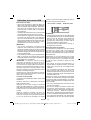
Locking a Channel
You can press GREEN button to tag/untag all
channels; YELLOW button to tag/untag a single
channel.
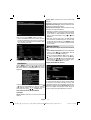
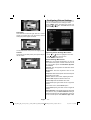
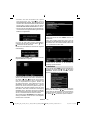
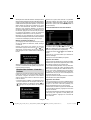
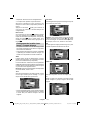
• Select the channel that you want to lock and select
Lock option. Press OK button to continue.
• You will be asked to enter parental control PIN.
Default PIN is set as 0000. Enter the PIN number.
Note: If the Country option is set to France, you can
use 4725 as the default code.
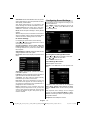
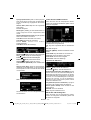
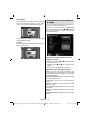
• Press “ ” or “ ” button to select the channel that
will be processed. Press “ ” or “ ” button to select
a function on Channel List menu.
• Use CH /CH buttons to move page up or down.
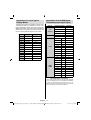
• Press BLUE button to view filtering options.
• Press OK button when the desired channel is
highlighted to lock/unlock the channel. Lock symbol
will be displayed next to the selected channel.
• Press “MENU” button to exit.
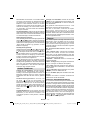
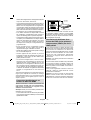
Moving a Channel
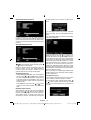
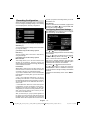
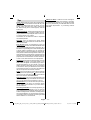
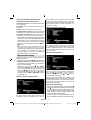
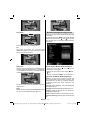
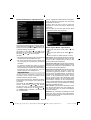
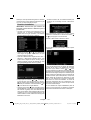
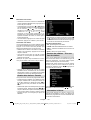
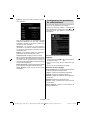
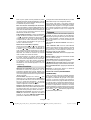
• First select the desired channel. Select Move option
in the channel list and press OK button.
• Edit Number screen will be displayed. Enter the
desired channel number by using the numeric
buttons on the remote control. If there is a previously
stored channel on that number, a warning screen
will be displayed. Select Yes if you want to move the
channel and press OK.
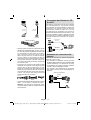
• Press OK button to process. Selected channel is
now moved.
English - 19 -
A01_MB60_[GB]_1910UK_IDTV_TC_PVR_NICKEL16_32883W_YPBPR_ROCKER_10072419_50185320.indd 19
20.09.2011 14:34:40