1
19. Remote Socket Control Timer
Apart from monitoring energy consumption, this unit
doubles as a timer control for up to 4 appliances at any
time. Decide how long and when you want the appliance
to work.
To set control timer:
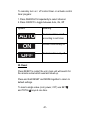
1. Press CH repeatedly to select socket
programmed.
2. Press and hold ON/OFF to enter settings.
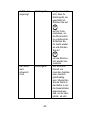
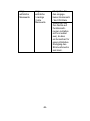
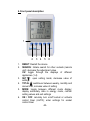
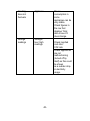
3. Set the program by pressing:
• TOTAL
to
be
to increase value or toggle options
• SET
to decrease value or toggle options
• MODE to confirm and move to next setting.
The setting options are: applicable days (everyday,
weekday, weekend), switch on time (hour and minute),
switch off time (hour and minute).
-50-