1
Measurement values
1. Measurements
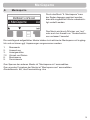
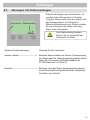
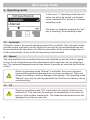
The menu “1. Measurements” serves to
display the currently measured temperatures.
The menu is closed by pressing the “esc”
key or selecting “Exit measurements”.
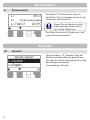
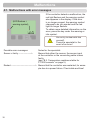
The measurement values are explained
with a help text when the “Info” key is
pressed.
Selecting “Overview” or “esc” exits the
info mode.
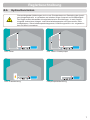
Caution
If “--” appears on the display instead of the measurement value, then
there may be a faulty or incorrect temperature sensor. If the cables are
too long or the sensors are not placed optimally, the result may be small
deviations in the measurement values. In this case the display values
can be compensated for by making entries on the controller. Follow the
instructions under “7.3. Sensor calibration” on page 26.
Which measurement values are displayed depends on the selected program, the connected sensors and the specific device design.
15