1
99638305_A_ML.qxp
EN
23/01/2007
10:17
Page 60
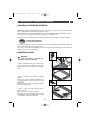
4 / USING YOUR APPLIANCE
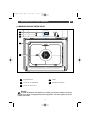
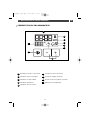
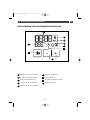
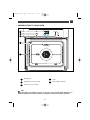
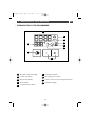
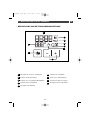
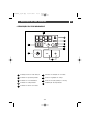
• INTRODUCTION TO THE PROGRAMMER
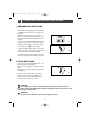
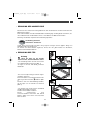
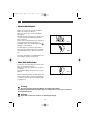
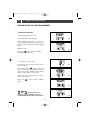
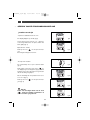
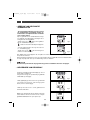
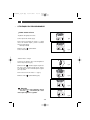
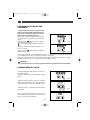
•How to set the time
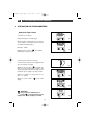
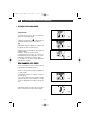
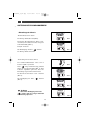
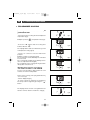
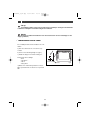
- When supplied with electricity.
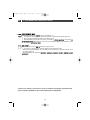
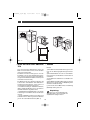
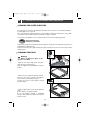
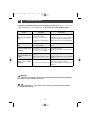
The display flashes at 12:00 (fig.1).
fig.1
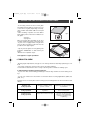
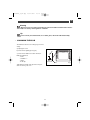
Set the time by pressing the + or - touch controls (holding your finger on the touch control
allows you to scroll through numbers rapidly)
(fig.2).
Example: 12:30.
fig.2
Press the “
” touch control to validate.
The display stops flashing.
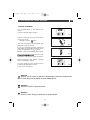
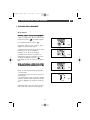
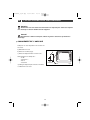
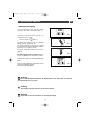
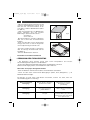
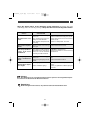
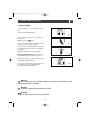
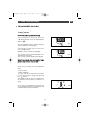
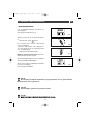
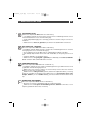
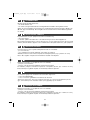
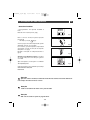
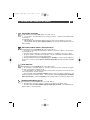
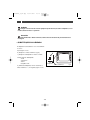
- To set the time on the clock.
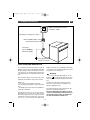
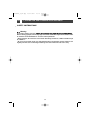
The function selector switch must be in the
0 position (fig.1).
fig.1
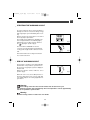
Press and hold the “
” touch control for a
few seconds until the display is flashing
(fig.2), then release. Audible beeps indicate
that it is now possible to set the time.
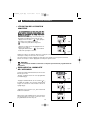
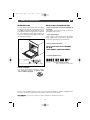
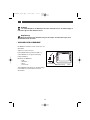
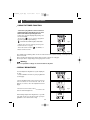
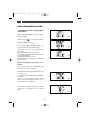
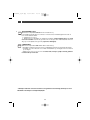
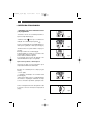
Adjust the clock setting with the + and touch controls (fig.3).
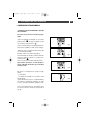
Press the “
(fig.4).
fig.2
” touch control to validate
fig.3
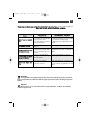
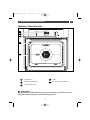
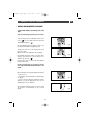
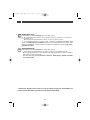
Warning
If the “
” touch control is not
pressed in order to validate, the time is
recorded automatically after a few seconds.
fig.4
60