1
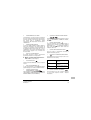
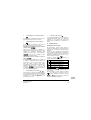
4. Description of the operation modes
1
FAN ONLY OPERATION
In this mode, air only circulates without heating or
cooling.
2
DRY OPERATION
In this mode, the air humidity will be lowered with a
minimal temperature decrease.
The temperature and fan speed are controlled
automatically and cannot be controlled by the remote
controller.
Dry operation will not function if the room temperature
is too low.
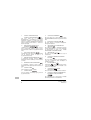
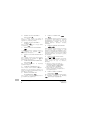
3
AUTOMATIC OPERATION
In this mode, the controller will automatically switch
between heating and cooling as required by the
setpoint or limit temperature.
4
COOLING OPERATION
In this mode, cooling will be activated as required by
the setpoint or limit temperature.
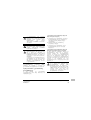
5
HEATING OPERATION
In this mode, heating will be activated as required by
the setpoint or limit temperature.
Hot start (heat pump types only)
At the start of a heating operation, the indoor fan is
stopped until a certain indoor heat exchanger
temperature is reached and
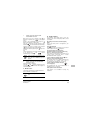
is displayed.
This prevents cold air from leaving the indoor unit.
CZ-02RT11P
Remote controller
4PW15515-1
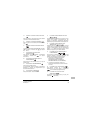
Defrost (heat pump types only)
In heating operation, freezing of the outdoor heat
exchanger may occur. If so, the heating capacity of
the system lowers and the system goes into defrost
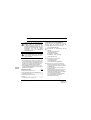
operation. The indoor unit fan stops and
is
displayed. After maximum 10 minutes of defrost
operation, the system returns to heating operation
again.
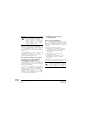
6
LIMIT OPERATION
&
Limit operation is an additional mode that enables to
keep the room temperature within certain limits. The
&
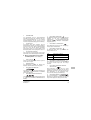
icons are displayed to confirm the
activation of the limit operation.
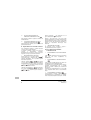
7
LEAVE HOME
LEAVE HOME is a feature that enables to keep the
room temperature above 10°C when the occupants
are out. This function will switch on heating if the
installation is switched off.
5. Operation
Manual operation
In manual operation, the user decides about the
settings of the installation. The last setting remains
active until the user changes it.
As the controller can be implemented for a wide
variety of installations and features, it might occur that
you select a function that is not available on your
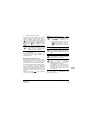
installation; if this is the case, the
message
will appear.
Operation manual
5