1
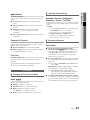
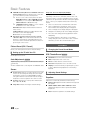
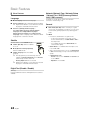
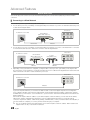
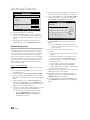
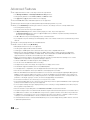
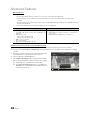
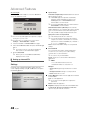
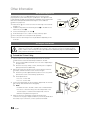
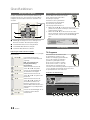
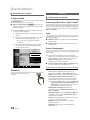
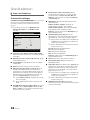
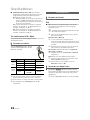
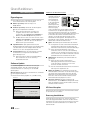
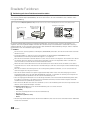
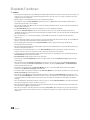
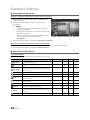
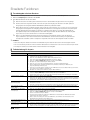
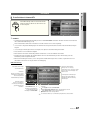
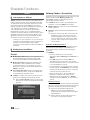
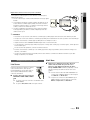
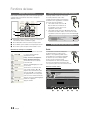
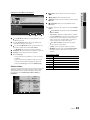
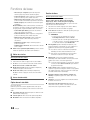
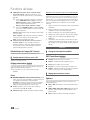
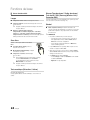
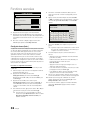
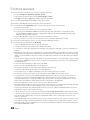
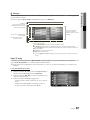
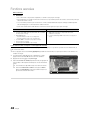
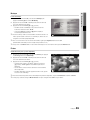
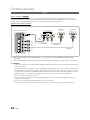
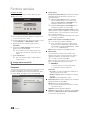
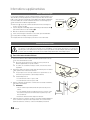
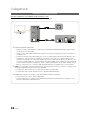
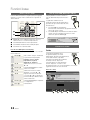
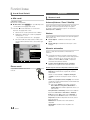
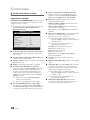
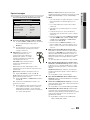
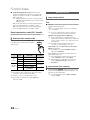
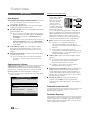
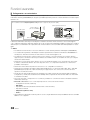
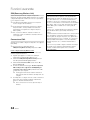
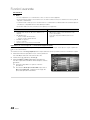
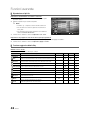
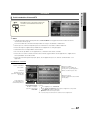
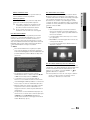
Playing Music
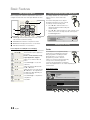
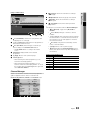
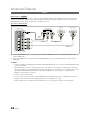
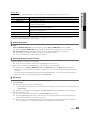
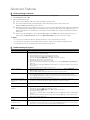
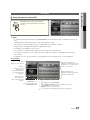
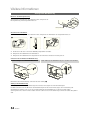
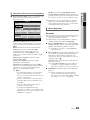
1. Press the ◄ or ► button to select Music, then press the
ENTERE button in the Media Play menu.
Playlist
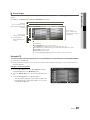
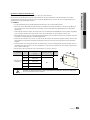
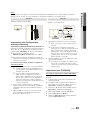
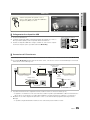
2. Press the ◄/►/▲/▼ button to select the desired ile in the ile
list.
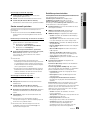
3. Press the ENTERE button or � (Play) button.
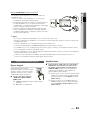
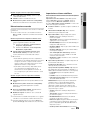
– During playing the music, you can search using the ◄ and ►
button.
– � (REW) and µ (FF) buttons do not function during play.
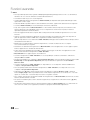
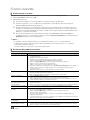
✎ Only displays the files with MP3 and PCM file extension. Other
file extensions are not displayed, even if they are saved on the
same USB device.
I Love You
Jhon
I Love you
Jhon
1st Album
Pop
2010
4.2MB
No Singer
3/15
Music 1
Music 2
No Singer
Music 3
04 Advanced Features
Music
No Singer
01:10 / 04:02
Music 4
No Singer
Music 5
No Singer
E Pause L Jump T Tools R Return
SUM
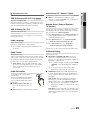
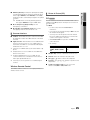
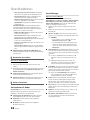
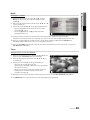
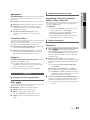
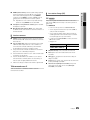
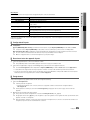
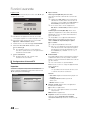
✎ If the sound is strange when playing MP3 files, adjust the Equalizer in the Sound menu. (An over-modulated MP3 file
may cause a sound problem.)
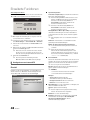
✎ You can create My Playlist selecting the desired music in the file, and can play My Playlist.
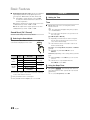
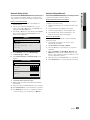
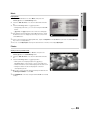
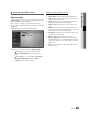
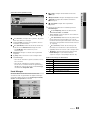
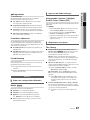
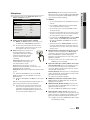
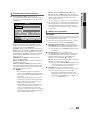
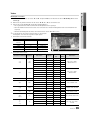
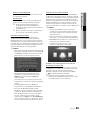
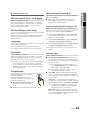
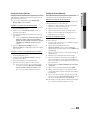
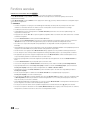
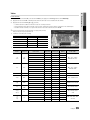
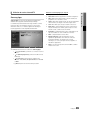
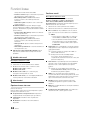
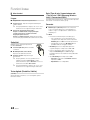
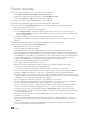
Photos
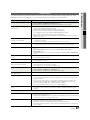
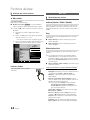
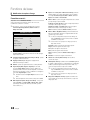
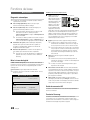
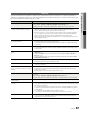
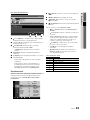
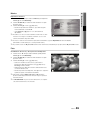
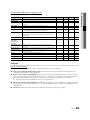
Viewing a Photo (or Slide Show)
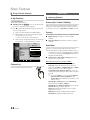
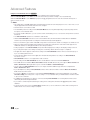
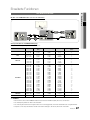
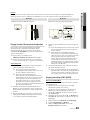
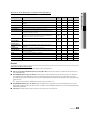
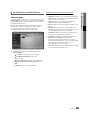
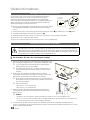
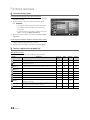
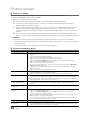
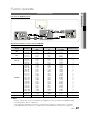
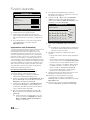
1. Press the ◄ or ► button to select Photos, then press the
ENTERE button in the Media Play menu.
Normal
Image1024.jpg
1024x768
2010/02/01
3/15
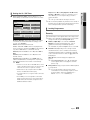
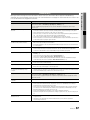
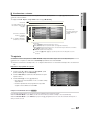
2. Press the ◄/►/▲/▼ button to select the desired ile in the ile
list.
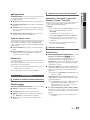
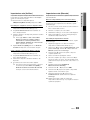
3. Press the ENTERE button or � (Play) button.
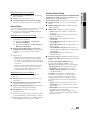
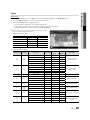
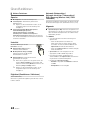
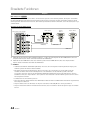
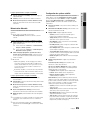
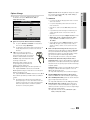
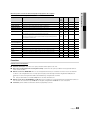
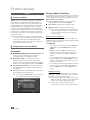
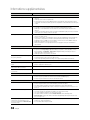
– While a photo list is displayed, press the � (Play) /
ENTERE button on the remote control to start slide show.
– All iles in the ile list section will be displayed in the slide show.
– During the slide show, iles are displayed in order from
currently being shown.
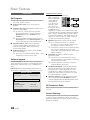
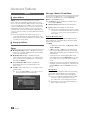
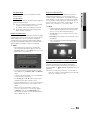
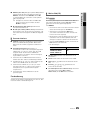
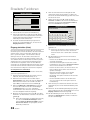
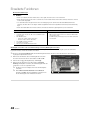
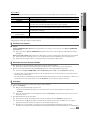
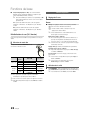
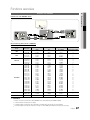
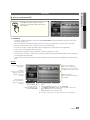
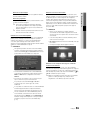
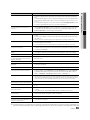
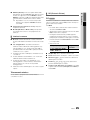
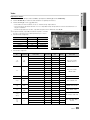
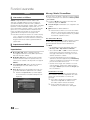
✎ Music files can be automatically played during the Slide Show if
SUM
E Pause L Previous/Next T Tools R Return
the Background Music is set to On.
✎ The BGM Mode cannot be changed until the BGM has finished
loading.
English
41
2010-03-08 오후 8:40:33