1
Troubleshooting
My phone is frozen or cannot switch on
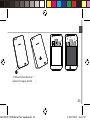
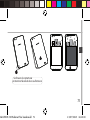
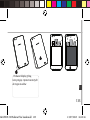
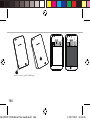
1.Remove and replace the battery.
2.Charge your device.
My phone cannot connect to a network or “No service” is displayed
Try connecting in another location. Verify the network coverage with your
operator.
Unable to make outgoing calls
Make sure your phone is connected to a network, and the network is not
overloaded or unavailable.
Unable to receive incoming calls
Make sure your phone is switched on and connected to a network (check
for overloaded or unavailable network).
SIM card PIN locked
Contact your network operator to obtain the PUK code (Personal
Unblocking Key).
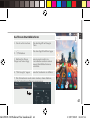
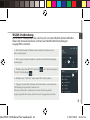
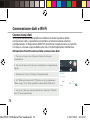
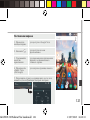
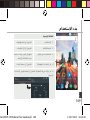
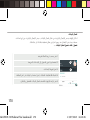
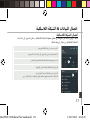
To configure a new 4G network:
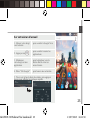
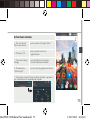
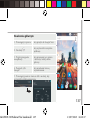
On your device, tap Settings.
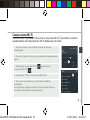
1.Select Wireless & networks > More... > Mobile networks.
2.In Mobile network settings, select your operator in Network operators.
3.In Mobile network settings, select Access point names, then select
to add new parameters and enter the exact connection parameters
provided by your 4G provider.
16
ARCHOS 50 Helium Plus book.indd 16
13/07/2015 16:11:48