1
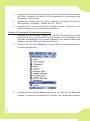
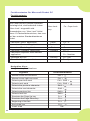
Schritt 2: Bluetooth Tastatur Konfiguration
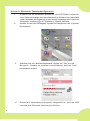
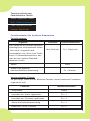
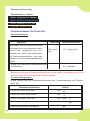
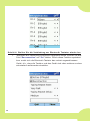
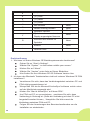
1. Schalten Sie die Bluetooth Tastatur an, die LED Diode blinkt für eine
Sekunde orange, anschließend jede Sekunde grün. Damit wird
angezeigt, dass sich die Bluetooth Tastatur im “Discovery” Modus
befindet.
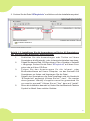
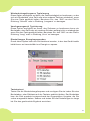
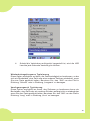
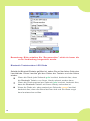
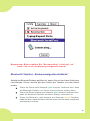
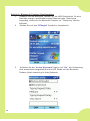
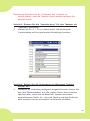
2. Klicken Sie auf das “BTkeybd” Symbol im Hauptmenü.
3.
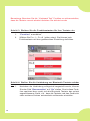
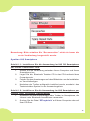
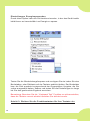
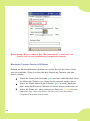
Schalten Sie die “Active Keyboard” Option auf “On”, die Verbindung
wird automatisch hergestellt und die LED Diode auf der Bluetooth
Tastatur blinkt zweimal grün jede Sekunde.
36