1
Adjustment-Plugin
Page 19 of 32
Date : 06.04.2005
Version : 1.2.1
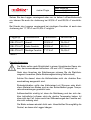
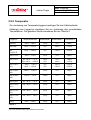
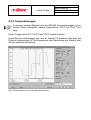
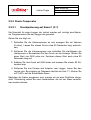
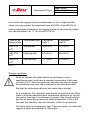
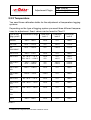
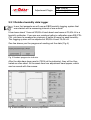
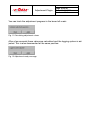
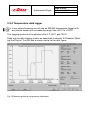
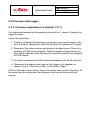
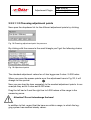
This logging system has to be adjusted at the standard values 32,8% rH and
75,4% rH.
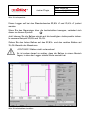
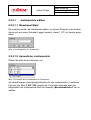
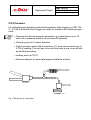
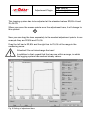
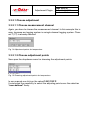
When you move the mouse pointer over the adjustment bars, it will change to
this symbol:
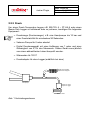
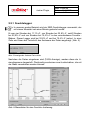
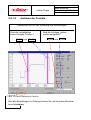
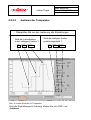
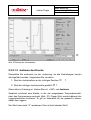
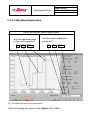
Now you can drag the bars separately to the needed adjustment points. In our
example they are 32,8% and 75,4%.
Drag the left bar to 32,8% and the right bar to 75,4% of the range in the
measuring curve.
Attention!! Do not interchange the bars!
In addition to that, regard that the bars are within a range, in which
the logging system has reached steady values.
Fig. 9 Setting of adjustment bars