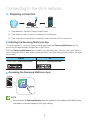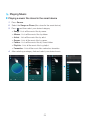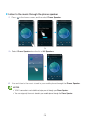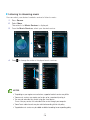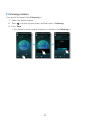
1
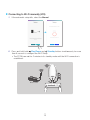
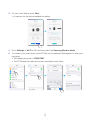
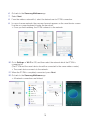
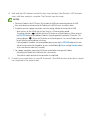
AA Connecting with a HUB (Not Included)
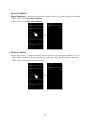
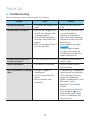
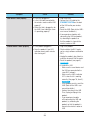
• If the product fails to connect to your network or its network connection operates
abnormally, place the product closer to the HUB or your router and try again.
• The product is a wireless network device. Its communications with your network may
be disrupted because of the distance between it and other devices on the network,
obstructions, or interference from other wireless devices.
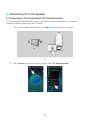
HUB
Wireless Router
LAN
Plug In
Plug In
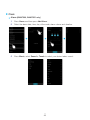
1 Connect a LAN cable to the router and the ETHERNET SWITCH on the back of the
HUB.
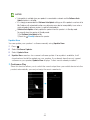
NOTE
99 You can connect the LAN cable to any ETHERNET SWITCH Port on the HUB.
2 Attach the HUB's power cord to the power port on the rear of the HUB, and then plug
the power cord into an electrical outlet.
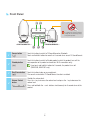
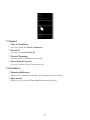
3 The power (
) and the HUB (
) indicators on the HUB's front turn on.
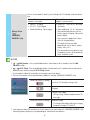
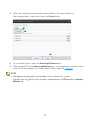
) begins to flash, plug the product(s) into an outlet.
When the pairing indicator (
The LED indicator on the product starts to flash.
If the HUB's pairing indicator does not flash, press the SPK ADD button on the rear of
the HUB.
NOTE
99 If you are adding multiple Products, connect all the Product's to electrical outlets. If you are not
connecting all the Products, refer to pages 20~21. Click here.
444
16