1
CE2974-GB.fm Page 8 Tuesday, July 10, 2001 11:56 AM
GB
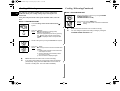
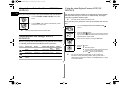
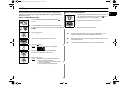
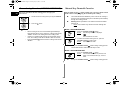
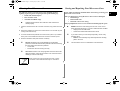
Setting the Time (CE2974N/CE2974NT)
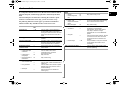
How a Microwave Oven Work
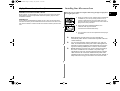
Your microwave oven has an inbuilt clock. The time can be displayed
in either the 24-hour or 12-hour notation. You must set the clock:
• When you first install your microwave oven
• After a power failure
Microwaves are high-frequency electromagnetic waves; the energy
released enables food to be cooked or reheated without changing
either the form or the colour.
✉
You can use your microwave oven to:
• Defrost
• Auto Reheat/Cook
• Cook
Do not forget to reset the clock when you switch to and from
summer and winter time.
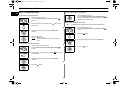
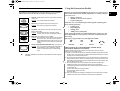
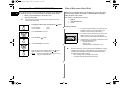
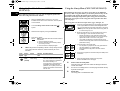
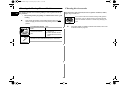
1. To display the time in the...Then press the
button...
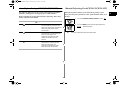
Cooking Principle
24-hour notation
12-hour notation
Once
Twice
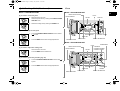
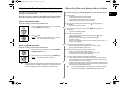
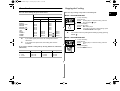
1. The microwaves generated by the magnetron are
distributed uniformly as the food rotates on the
turntable. The food is thus cooked evenly.
2. Turn the dial knob to set hour.
2. The microwaves are absorbed by the food up to a
depth of about 1 inch (2.5 cm). Cooking then
continues as the heat is dissipated within the food.
3. Press the Clock (
) button
3. Cooking times vary according to the recipient used
and the properties of the food:
• Quantity and density
• Water content
• Initial temperature (refrigerated or not)
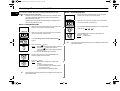
4. Turn the dial knob to set minute.
☛
5. When the right time is displayed, press the
button
again to start the clock and press the
button.
Result:
The time is displayed when ever you are not
using the microwave oven.
8
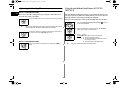
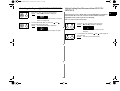
As the centre of the food is cooked by heat dissipation, cooking
continues even when you have taken the food out of the oven.
Standing times specified in recipes and in this booklet must
therefore be respected to ensure:
• Even cooking of the food right to the centre
• The same temperature throughout the food