1
Menu
Description
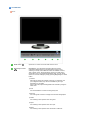
Play/Stop
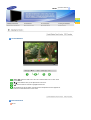
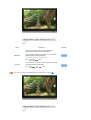
Color Innovation function provides optimized color for personal
favor to view effectively with WCG-CCFL which was applied to
Samsung Electronics for the first time.
Color Innovation
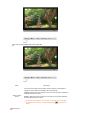
Brilliant If you select "Brilliant", you can view a more clear
and vibrant image
Mild
If you select "Mild", you can view a more natural
and soft image.
Normal If you select “Normal”, you can watch the most
general standard screen.
Demo If you select “Demo”, you can compare the current
screen with the screen when the Color Innovation
function is enabled.
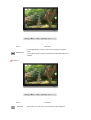
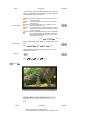
Custom The pre-configured values may not be comfortable
to your eyes depending on your taste. If this is the
case, adjust the Picture and Color menu by using
the OSD to fit your eyes.
MENU →
Color Control
,
→
→
→
,
→ MENU
Adjusts individual Red, Green, Blue color balance. -Red, Green,
Blue
MENU →
,
→
→
,
→
→
,
→
→
,
→ MENU
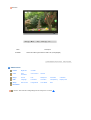
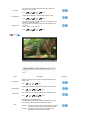
Gamma correction changes the luminance of the colors with
intermediate luminance.
Gamma
- Mode 1
- Mode 2
- Mode 3
MENU →
,
→
→
,
→
→
,
→ MENU
Image
Menu
Description
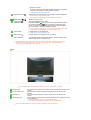
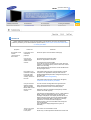
Removes noise such as vertical stripes.
Coarse adjustment may move the screen image area. You
Play/Stop