1
3.7. TOOLS INTERFACE
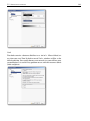
Close: Closes the dialog. All non-saved changes will be lost.
Mirrors:
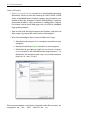
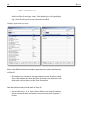
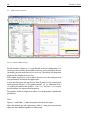
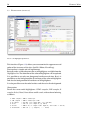
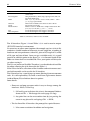
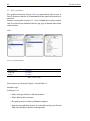
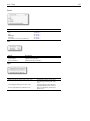
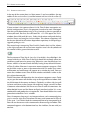
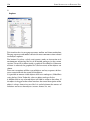
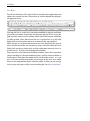
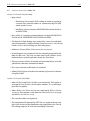
The Mirrors is an interface that allows the user to manage the repositories
(or mirrors) of R. You should always choose a repository physically closest
to where you are, so that, the Web communication tends to be faster and
more efficient.
The default mirror is the University Wien (Austria). Consider that this is
the central mirror of CRAN.
The reasons for the Tinn-R always set a repository are two:
• Prevent R keep asking which repository you want to use in each
session;
• Workaround of intermittency (only Rterm) display the dialog for
selecting the repository. That is, sometimes the dialog is displayed
and not others. The cause of this intermittency is still unknown.
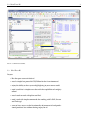
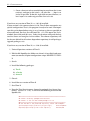
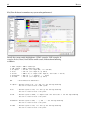
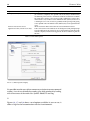
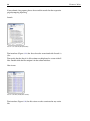
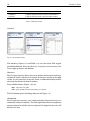
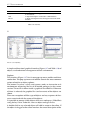
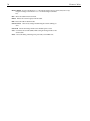
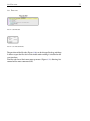
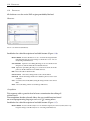
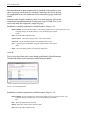
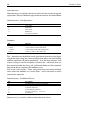
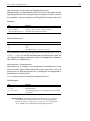
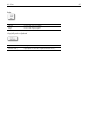
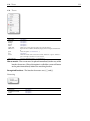
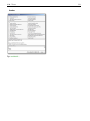
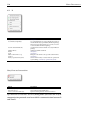
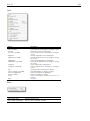
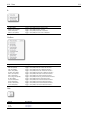
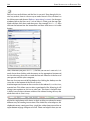
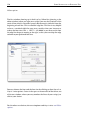
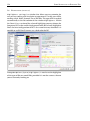
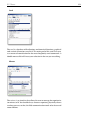
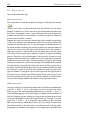
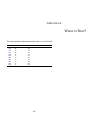
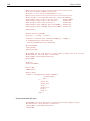
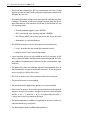
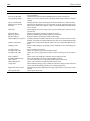
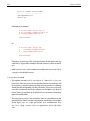
FIGURE 3.29: R mirrors (Database).
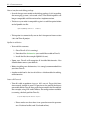
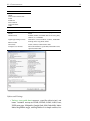
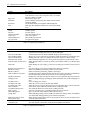
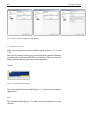
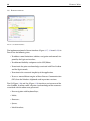
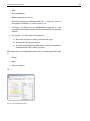
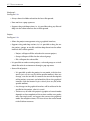
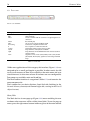
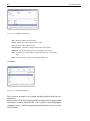
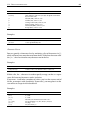
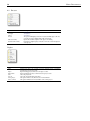
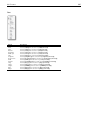
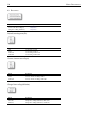
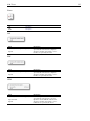
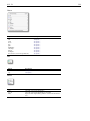
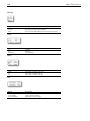
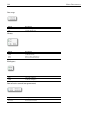
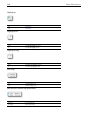
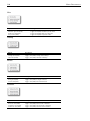
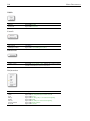
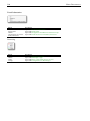
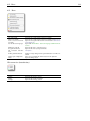
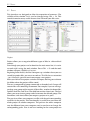
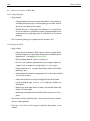
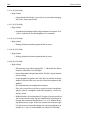
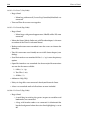
The available buttons (Figure 3.27) are:
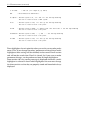
Help: Opens the User guide.
Update: Updates the available R mirrors.
Copy host: Places the selected mirror host in the clipboard.
Copy URL: Places the selected mirror URL in the clipboard.
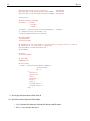
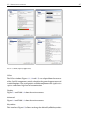
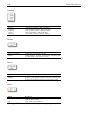
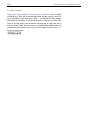
Edit: Opens the dialog R mirrors (xml based) below.
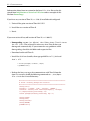
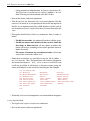
Insert: Sends the following instruction to R: options(’repos=’URL of selected mirror’).
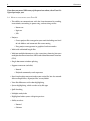
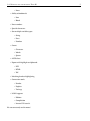
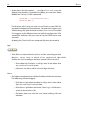
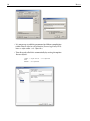
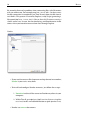
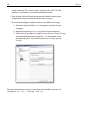
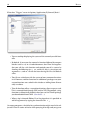
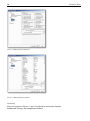
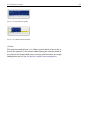
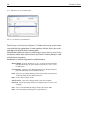
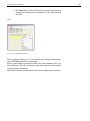
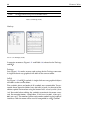
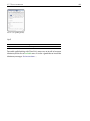
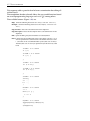
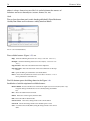
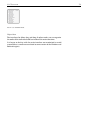
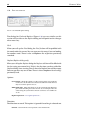
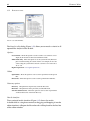
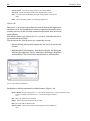
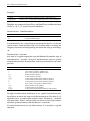
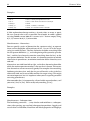
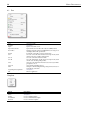
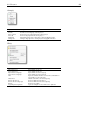
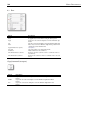
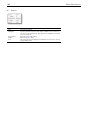
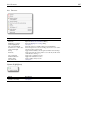
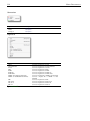
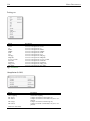
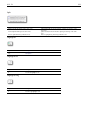
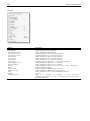
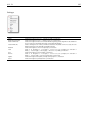
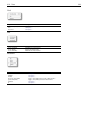
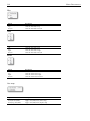
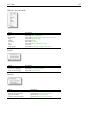
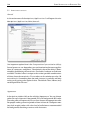
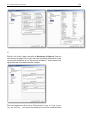
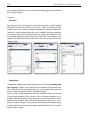
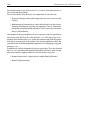
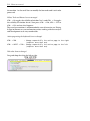
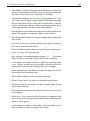
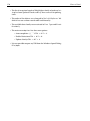
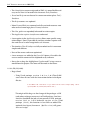
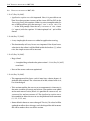
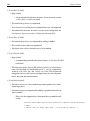
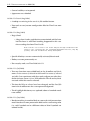
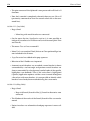
The Edit button opens the dialog shown in the Figure 3.29.
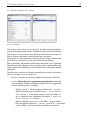
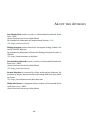
Read below a brief description of available buttons:
75