1
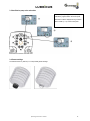
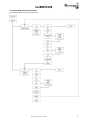
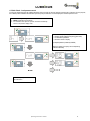
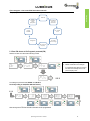
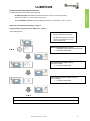
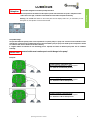
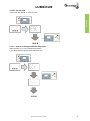
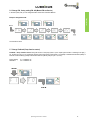
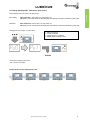
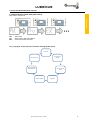
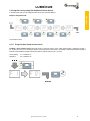
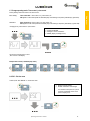
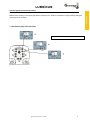
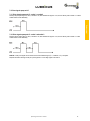
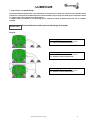
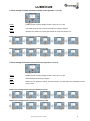
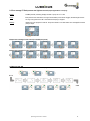
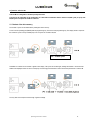
5.8 Change operating mode: Time control / pulse control Basic setting: Time control Pu0 = Time control „on“, pulse control „off“ ON appears on the control panel and activated pump units flashing in sequence (indicated by a green LED). Alternative: Pulse Control Pu1 = Pulse control „on“, time control „off“ PUL appears on the control panel and installed pump units flashing in sequence (indicated by a green LED). Changing from „time control“ to „Pulse control“: Select Pu0 Function Confirm with ENTER Change Pu0 to Pu1 via SELECT ENTER (Display is blinking 2 times) Lubricus M ist changed to pulse control. „PUL“ is shown on the Display. Example Pulse control (5 installed pump units) Operating Instructions: LUB-M 21 Time control Factory setting: Lubricus M works in the „time modus“.