1
FINA250A User's Manual
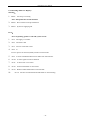
K3
C3
K2
C2
K1
C1
Y3
Y2
Y1
M3
M2
M1
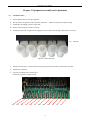
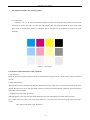
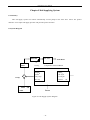
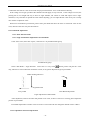
Figure 3-2 Connection Sequence
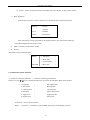
3.2 Port of Printer
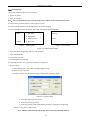
Installation:
Connect the printer’s USB port with computer’s USB port directly by data cable.
USB driver procedure finishes automatically when Try Setup is installed.
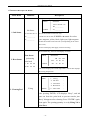
3.3 Attention before Turning on the Printer
1、In order to clean print head easily, please prepare following items:
•
•
Flush solution
Non-woven fabric.
2、In order to inspect temperature and humidity of printing environment, please prepare relative measurers.
Requirement for environment:
zTemperature: 20°C - 30°C
zHumidity: 40% - 80%
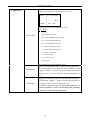
3、Power supply
Please select for different countries or regions:
Control power supply: AC 100~240V 50/60 HZ
Heating, Feeding, Cleaning power supply: AC 100/240V 50/60 HZ (AC 100V optional)
Please choose the type of power shown on the printer in case of damage to the printer.
zMake sure the printer is well grounded.
-6-